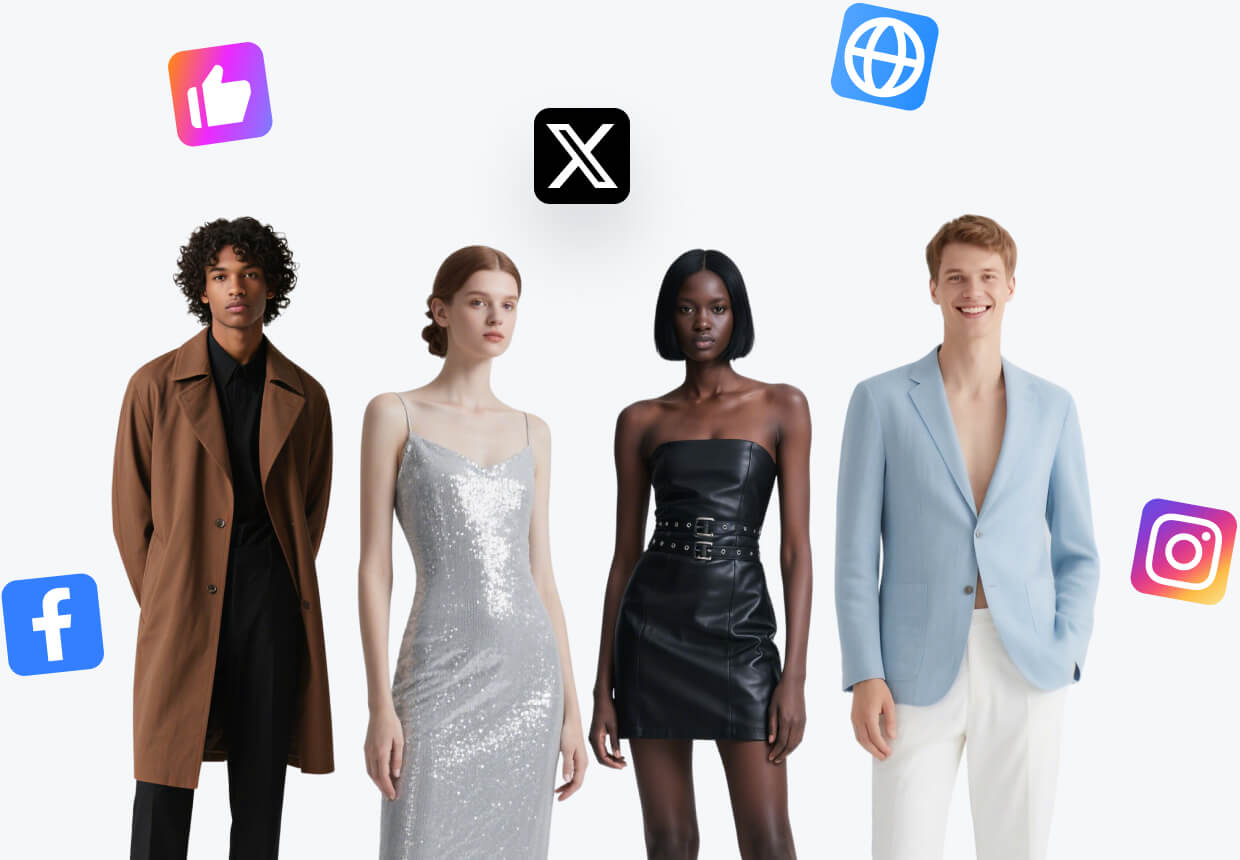
Show fit and scale
Create a clearer sense of how apparel, bags, jewelry, and beauty products look in use.
Virtual try-on
Create on-model, try-on, pose and product-in-hand images from your existing product assets.
Create a clearer sense of how apparel, bags, jewelry, and beauty products look in use.
Adapt models, poses, and settings while keeping the item shoppers came to see.
Generate natural product interactions for ads, creator briefs, and launch content.
A clear workflow for product images
Use a clear apparel, accessory, or beauty product image with the important details visible.
Set the audience, styling, pose, crop, and context you want to explore.
Check fit, hands, logos, materials, and color before publishing the final image.
Product questions
Fashion, accessories, jewelry, cosmetics, and other products where fit or use context helps shoppers decide.
Yes. Reuse the same product direction while exploring different models, poses, and styling choices.
SellPix
Create the model image or try-on view your listing needs.
Create on-model imagesStart with one product photo and build your next listing set in SellPix.