Product Detail Image Generator
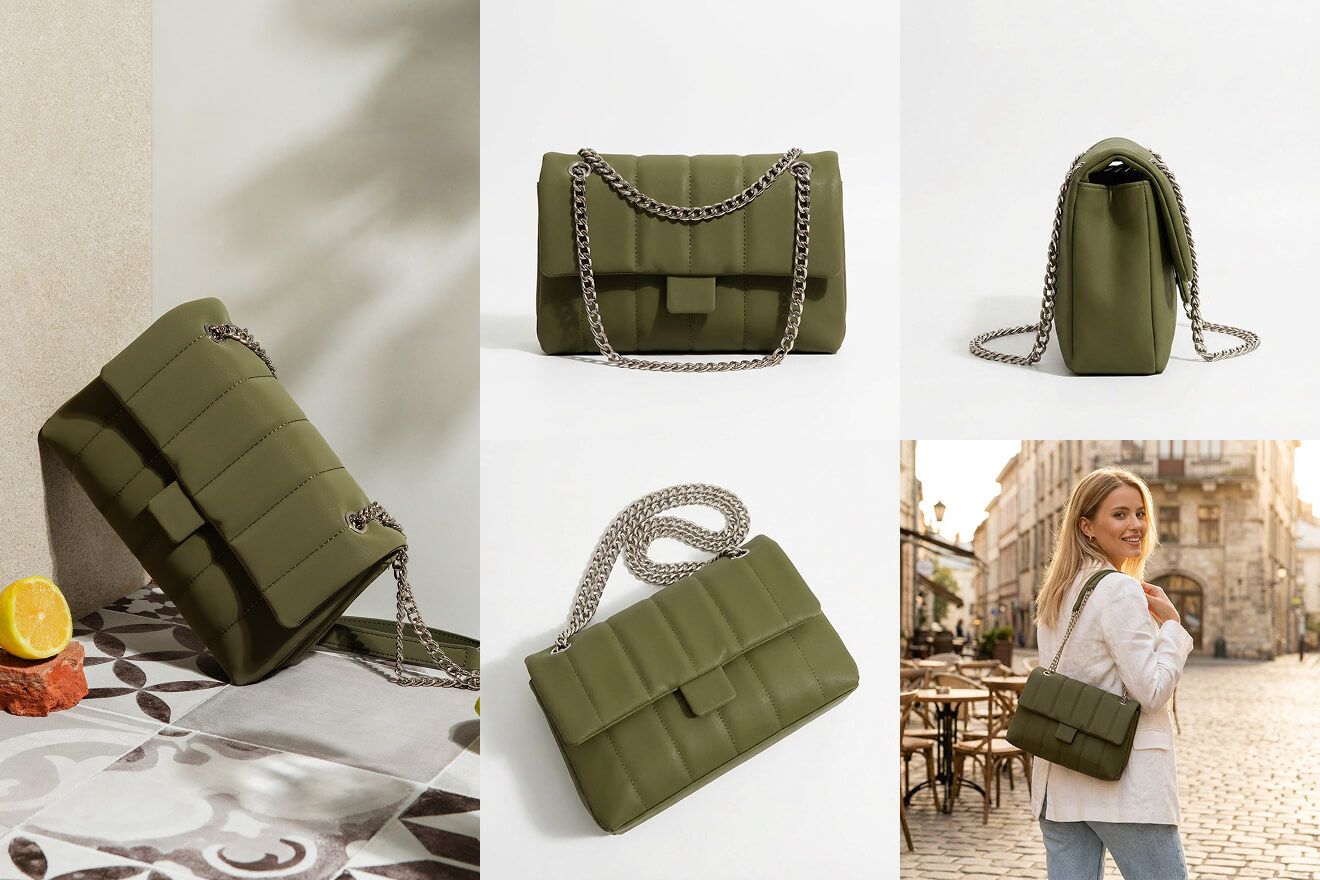
Create close-up product views that make materials, features, and craftsmanship easier to judge.
Open WorkshopJPG, PNG, and WebP supported
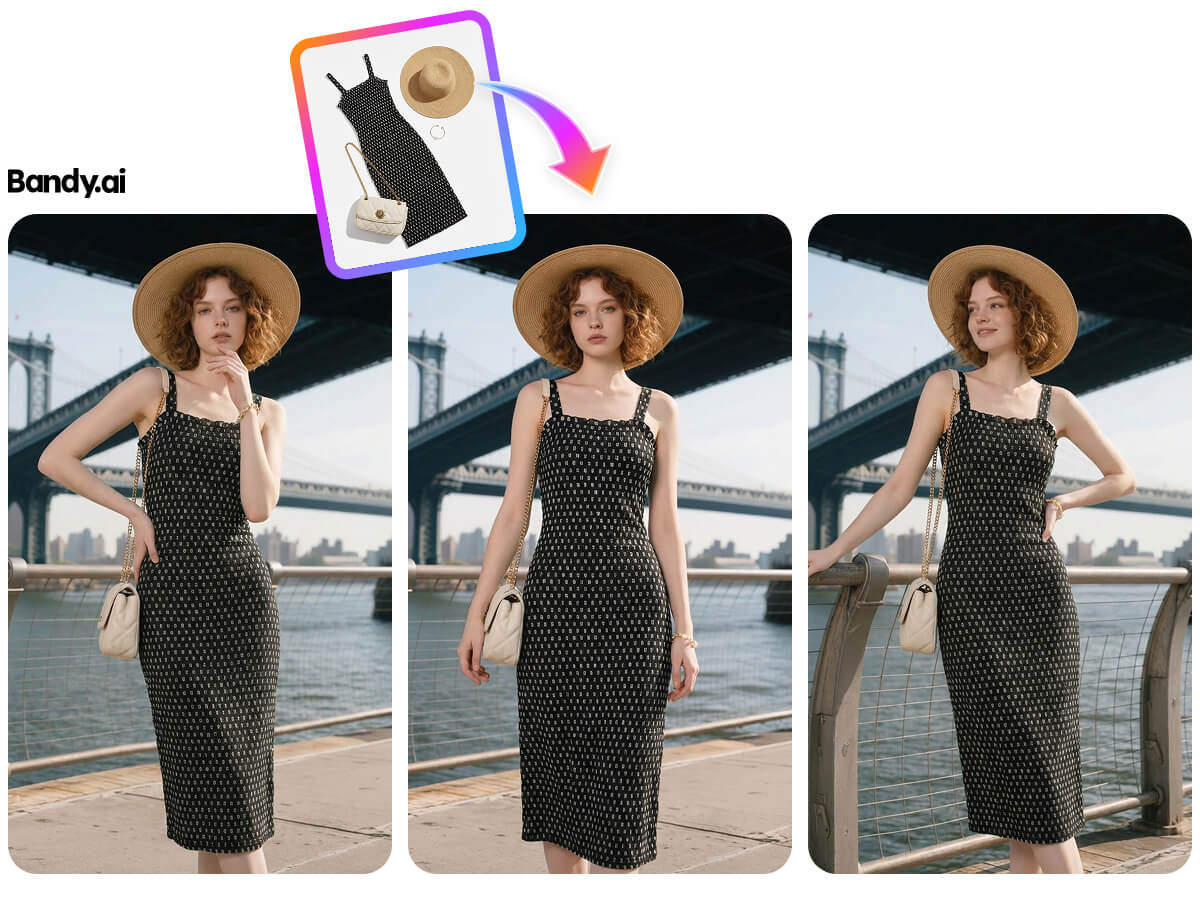
Create close-up product views that make materials, features, and craftsmanship easier to judge.
Before and after
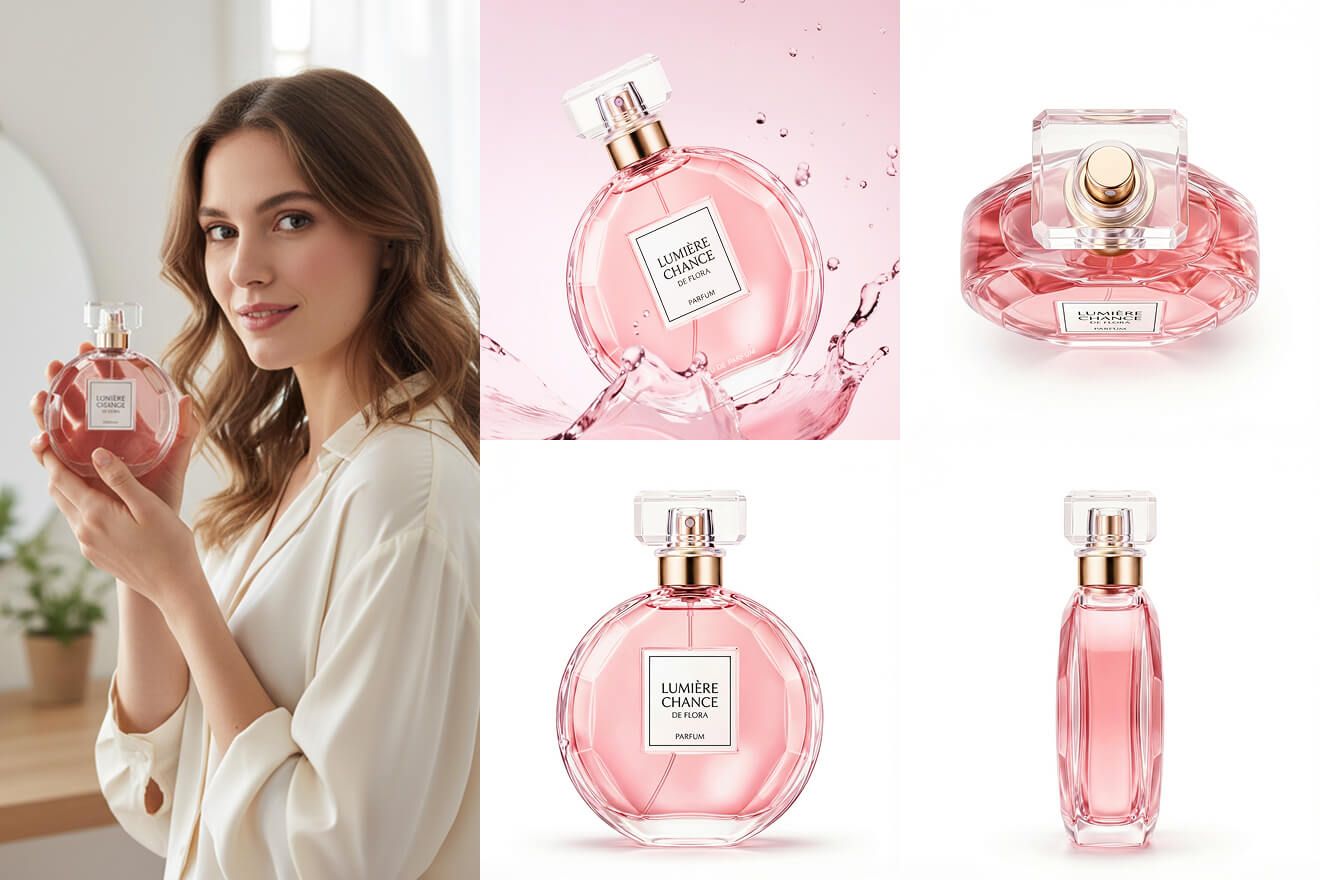
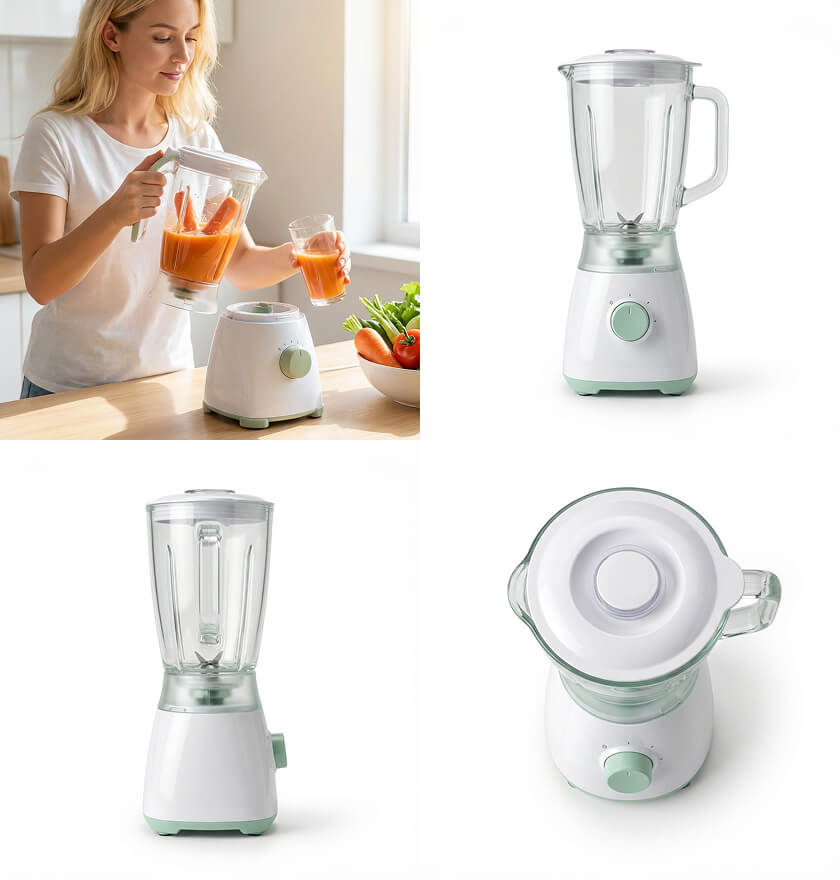
What you can create
Start in three steps
- 01
Add a source product photo
Use a clear image with the product fully visible.
- 02
Set the selling context
Choose the scene, style, ratio, and channel in Workshop.
- 03
Generate and refine
Compare the outputs, keep the strongest version, and continue editing.
How to get better results with Product Detail Image Generator
Detail images should isolate one buyer question at a time: texture, closure, control, finish, packaging, or scale.
- Marketplace-ready composition
- Consistent product detail
- Channel-ready crops
Continue the workflow
01AI Product Image UpscalerIncrease product image resolution while protecting texture, packaging text, and clean edges.02AI Product Photo RetouchingClean small defects and distractions while preserving the real product and its material.03Ecommerce Listing Image Set GeneratorBuild a coordinated hero, detail, lifestyle, and selling-point sequence from one product.
Frequently asked questions
Is Product Detail Image Generator designed for ecommerce images?
Yes. Workshop organizes the task around product fidelity, selling channel, output size, and a result that can continue into another workflow.
What should I prepare before starting?
Prepare a clear, evenly lit product image that shows the full subject and that you have the right to use.