AI Unboxing Video Generator
Create an unboxing sequence that reveals packaging, contents, and product details in order.
Open WorkshopImage and reference video inputs
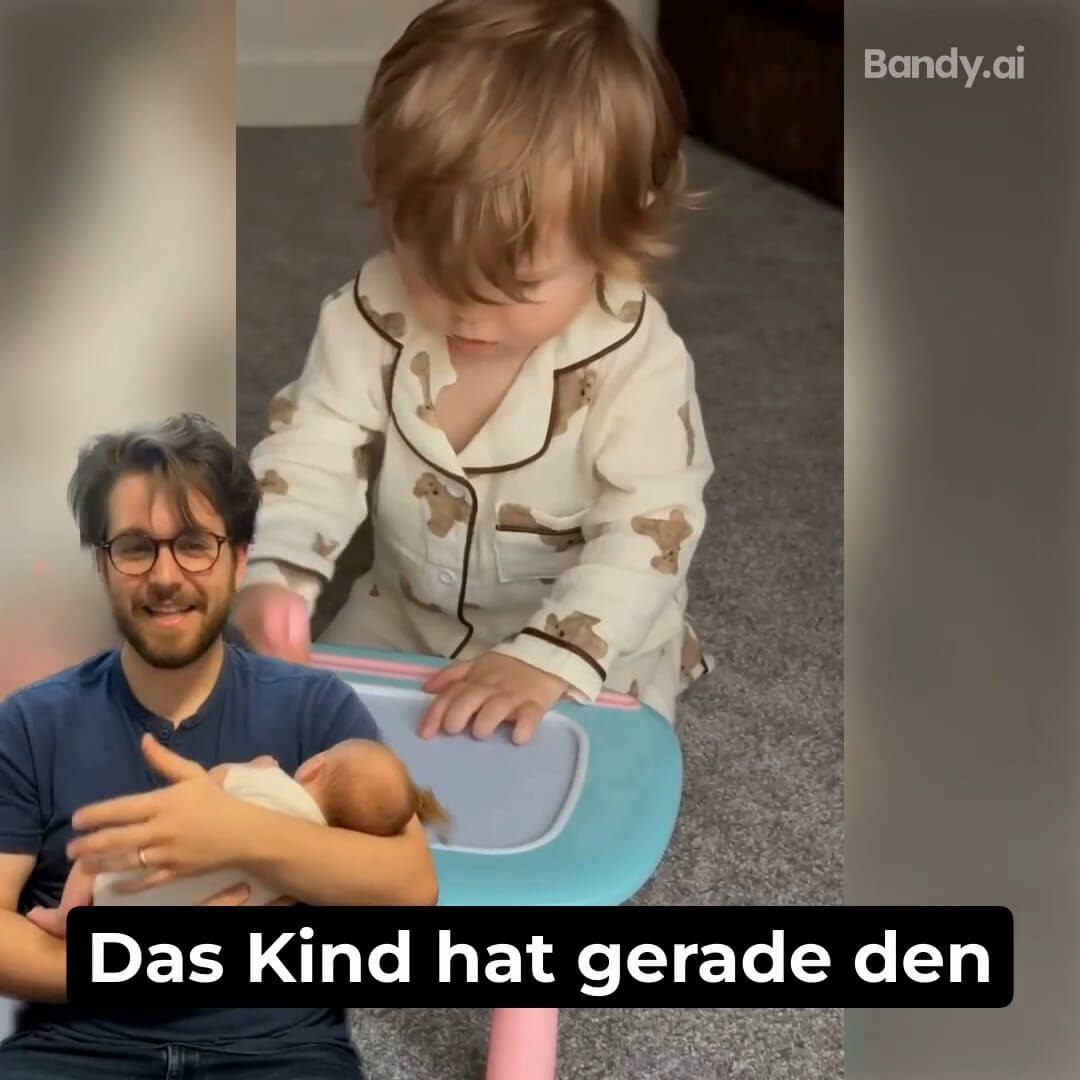
Create an unboxing sequence that reveals packaging, contents, and product details in order.
Before and after

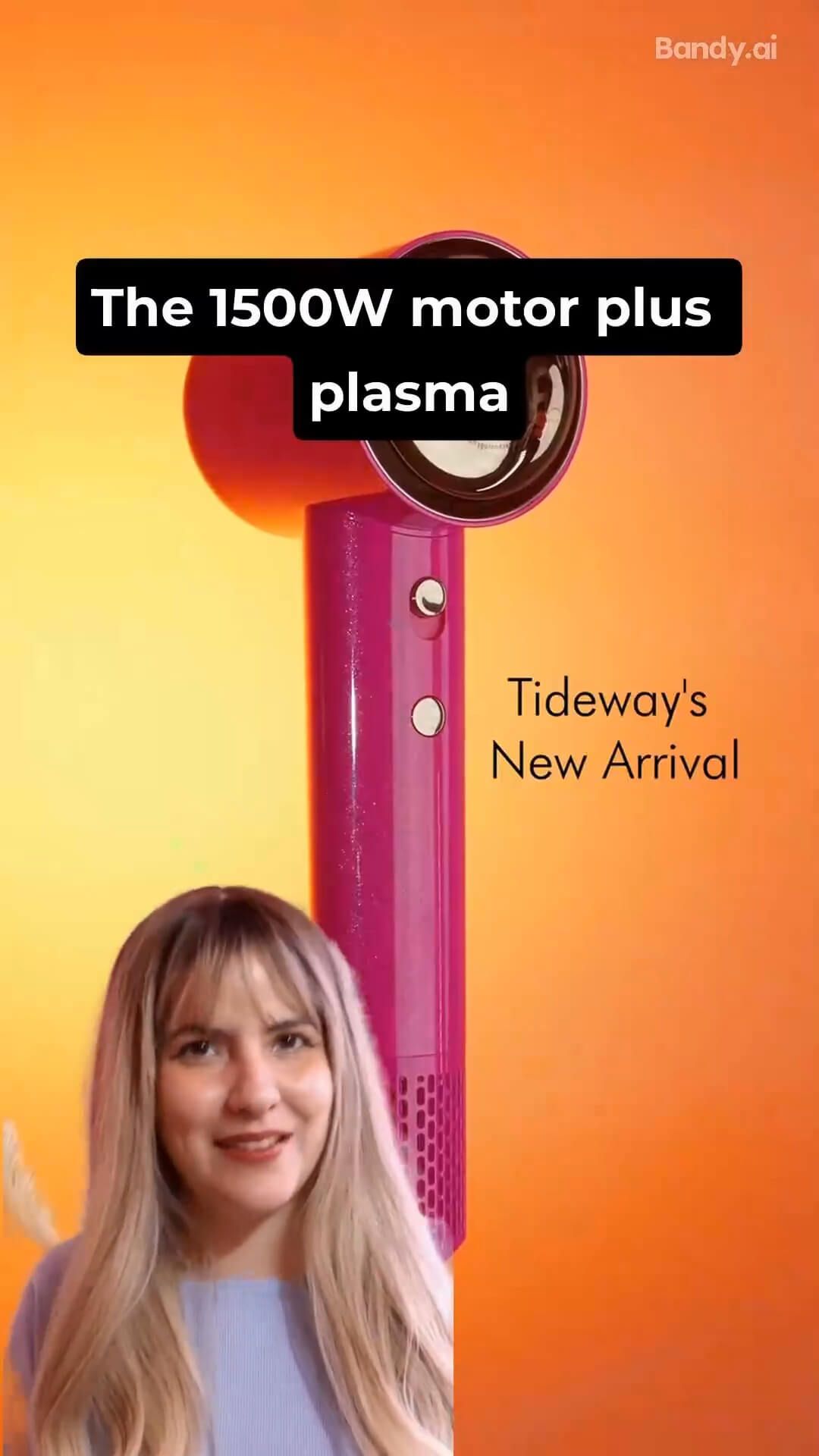
What you can create
Start in three steps
- 01
Add product media
Upload the clearest product image or reference clip.
- 02
Set the story and channel
Choose the script direction, duration, language, and ratio.
- 03
Review every frame
Check product identity, motion, captions, and the opening hook.
How to get better results with AI Unboxing Video Generator
Good unboxing content builds anticipation without hiding the product: package, reveal, first impression, and key detail.
- Short-form storytelling
- Channel-native framing
- Product-first motion
Continue the workflow
01UGC Product Video GeneratorTurn product images and selling points into short-form, channel-ready UGC videos.02Product Demo Video GeneratorExplain how a product works through a concise sequence of actions and close-up proof.03Ecommerce Listing Image Set GeneratorBuild a coordinated hero, detail, lifestyle, and selling-point sequence from one product.
Frequently asked questions
Is AI Unboxing Video Generator designed for ecommerce images?
Yes. Workshop organizes the task around product fidelity, selling channel, output size, and a result that can continue into another workflow.
What should I prepare before starting?
Prepare a clear, evenly lit product image that shows the full subject and that you have the right to use.