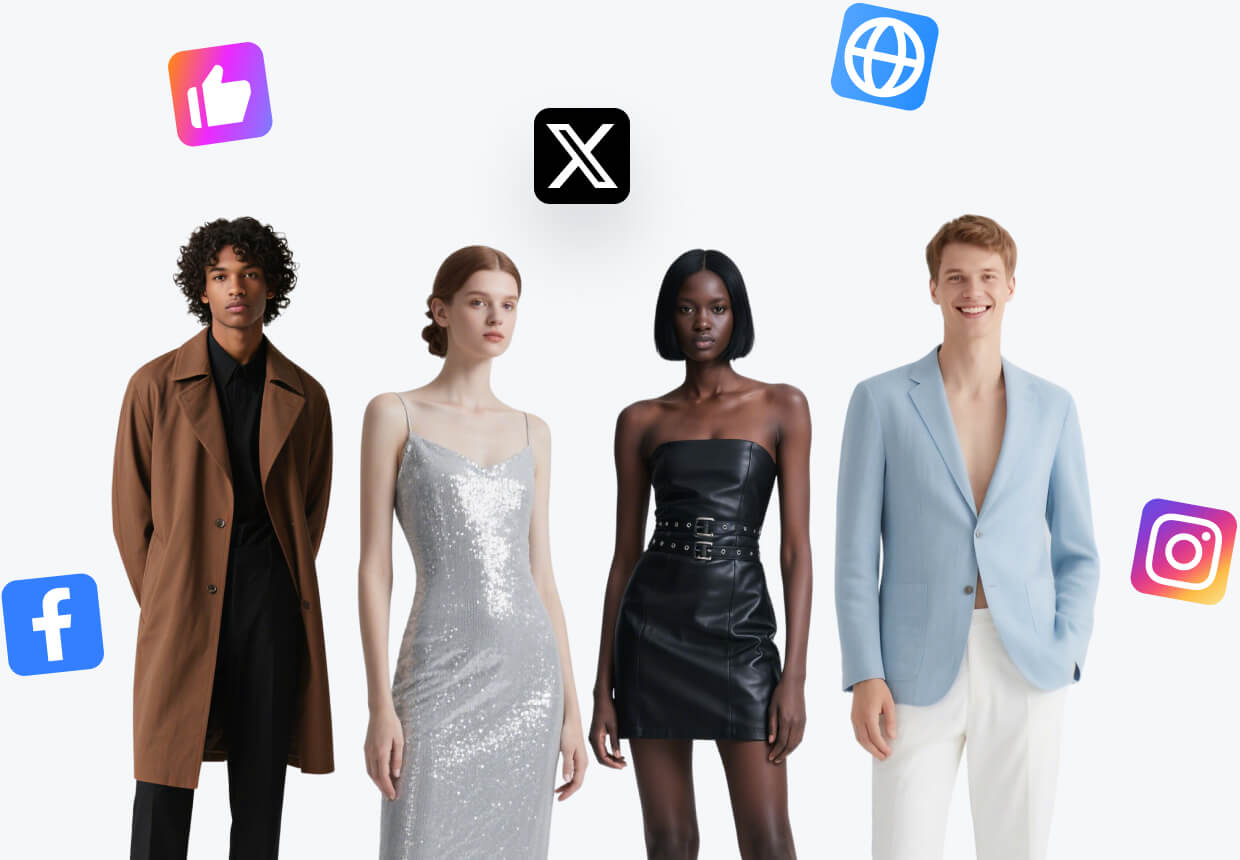
AI Lookbook Generator
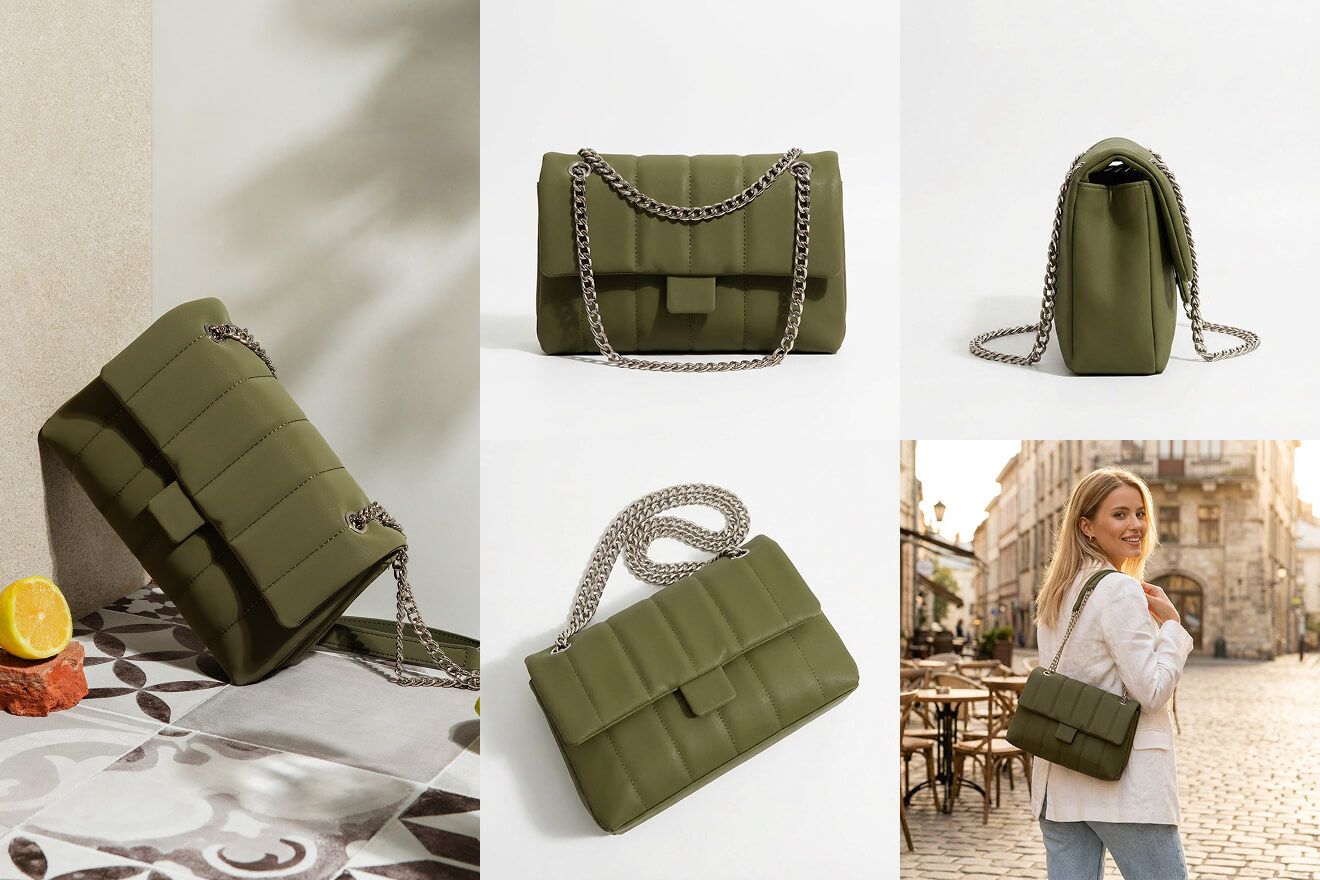
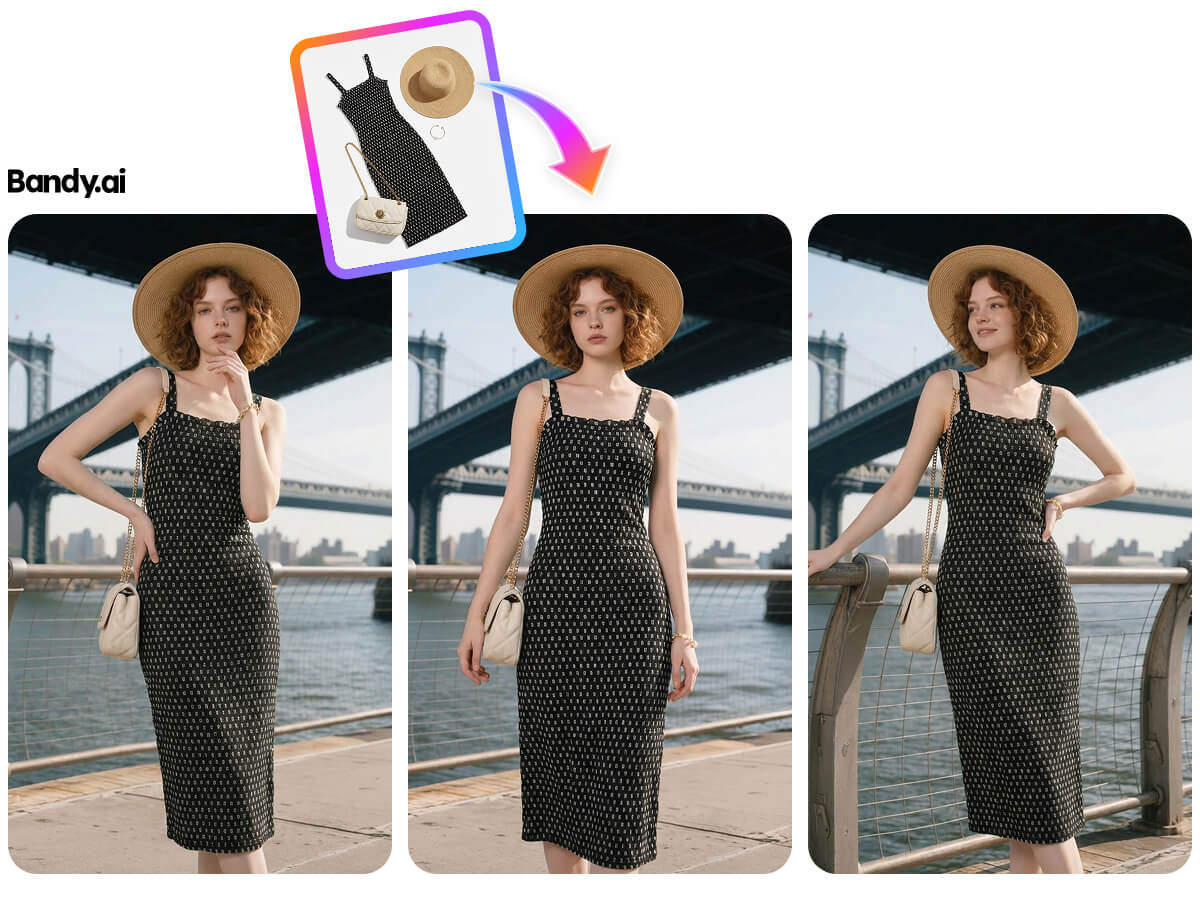
Present a collection through a consistent sequence of product, model, and lifestyle images.
Open WorkshopJPG, PNG, and WebP supported
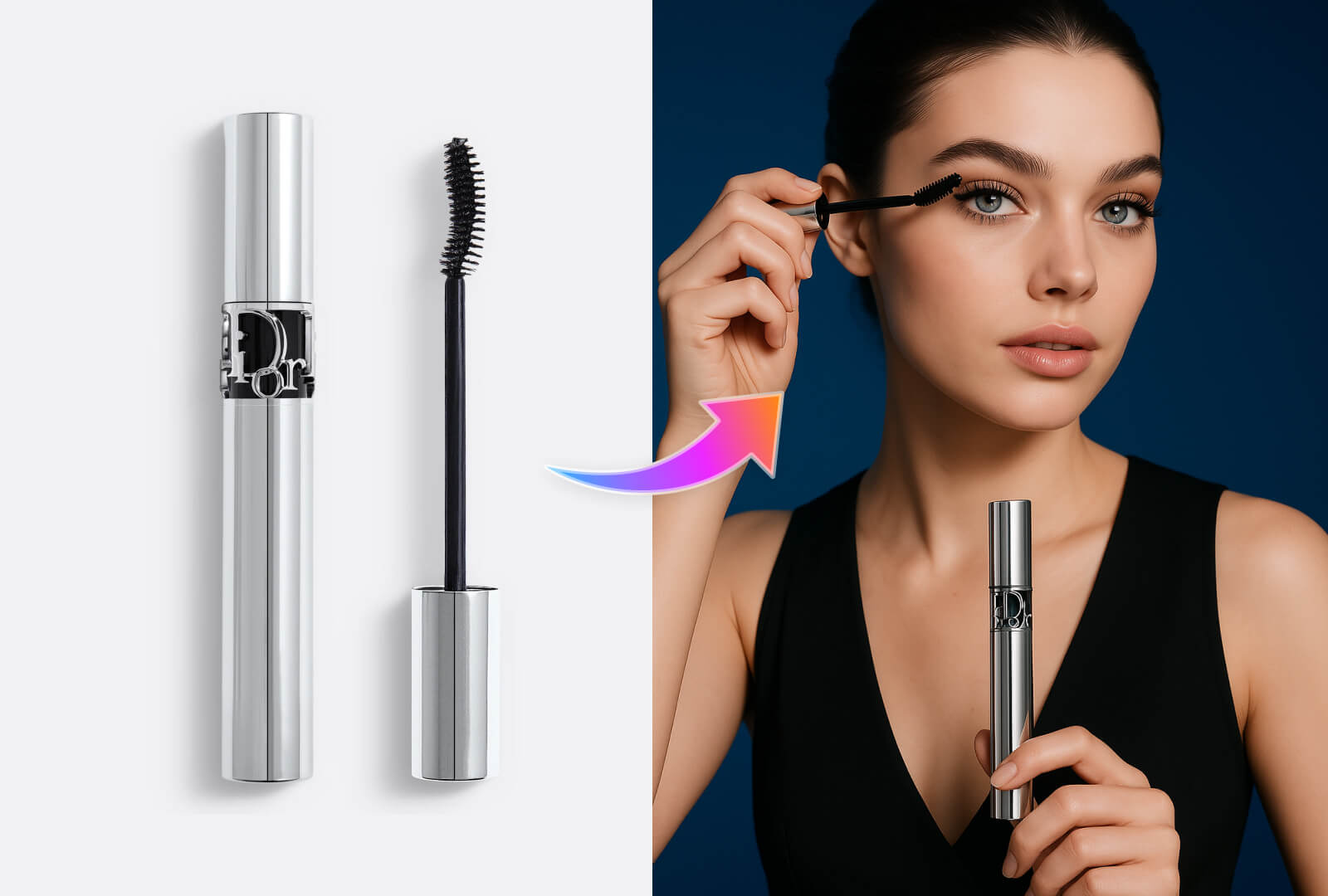
Present a collection through a consistent sequence of product, model, and lifestyle images.
Before and after
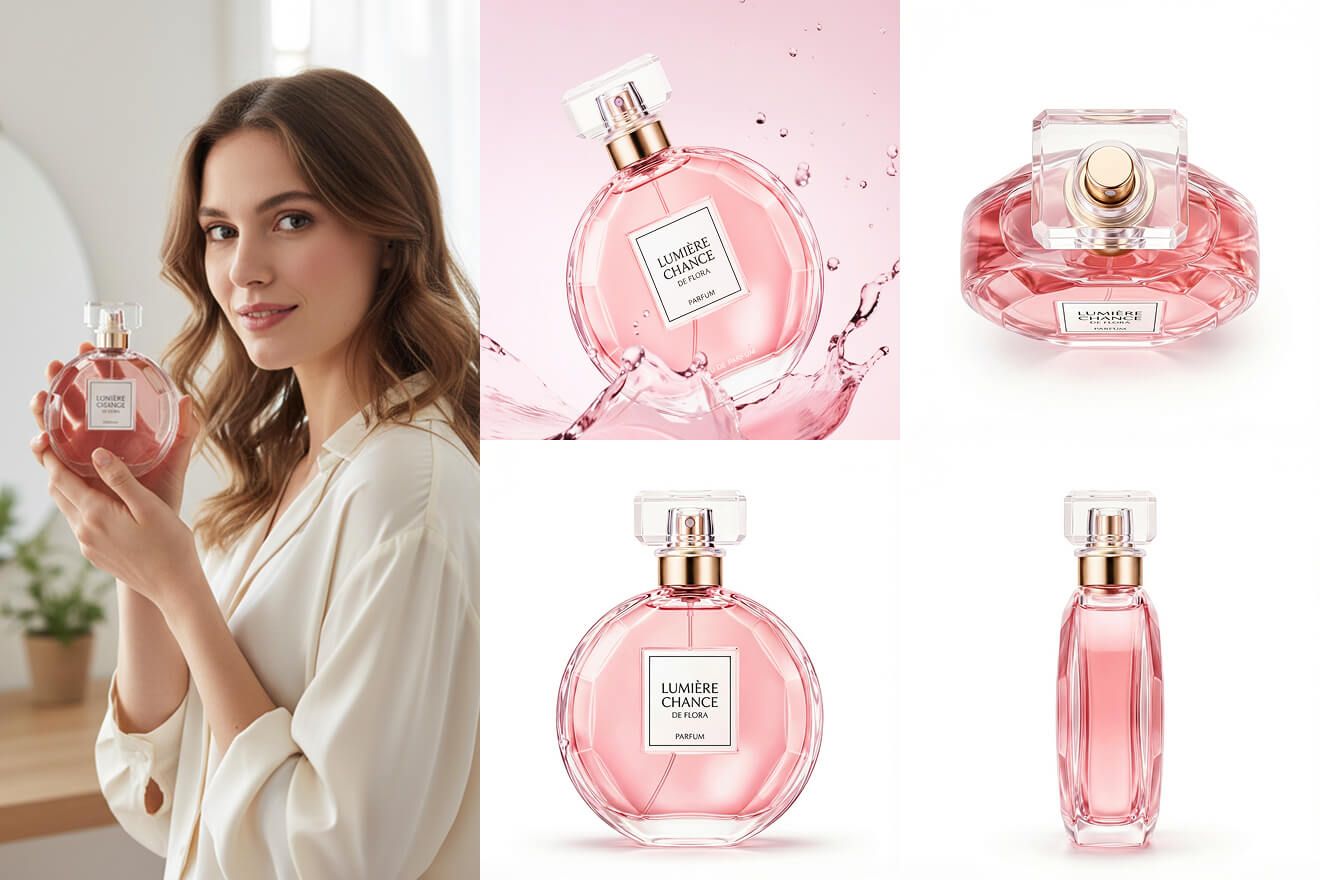
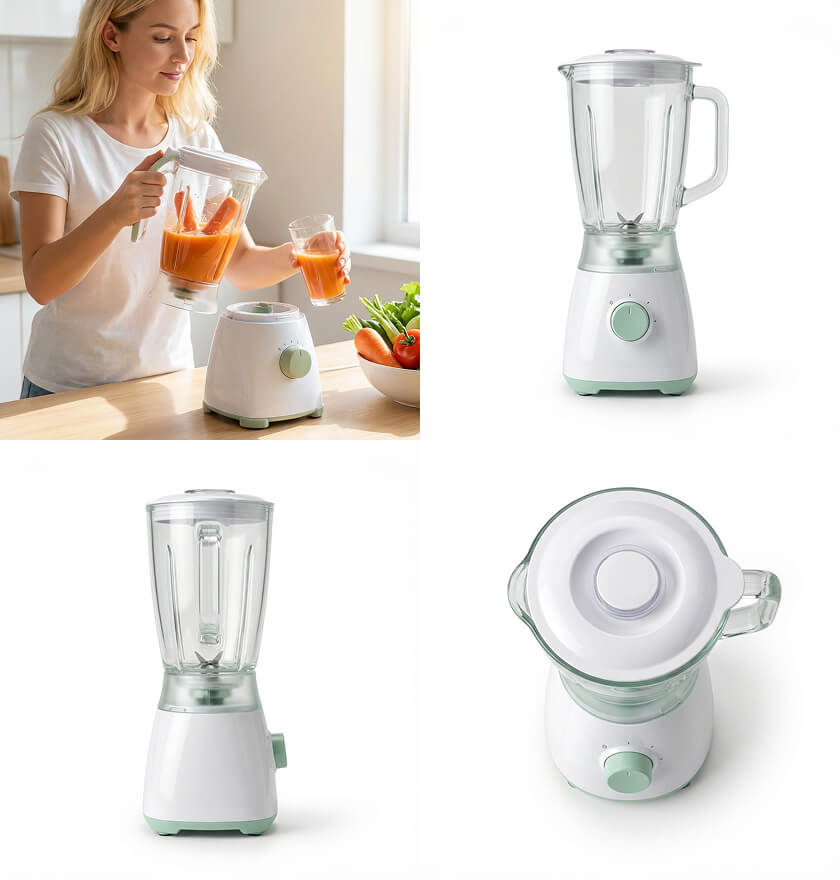
What you can create
Start in three steps
- 01
Add the product assets
Start with the clearest product views available.
- 02
Choose the listing structure
Define the channel, image roles, and brand direction.
- 03
Review the complete set
Check sequence, consistency, and crops before export.
How to get better results with AI Lookbook Generator
A useful lookbook needs consistent art direction while still varying scale, pose, crop, and product emphasis across the sequence.
- Coordinated image sequence
- Reusable visual direction
- Complete listing coverage
Continue the workflow
01AI Model Image GeneratorShow products on models while keeping the merchandise recognizable and central.02Ecommerce Listing Image Set GeneratorBuild a coordinated hero, detail, lifestyle, and selling-point sequence from one product.03Multi-channel Image Set GeneratorAdapt one visual direction for marketplace, storefront, advertising, and social placements.
Frequently asked questions
Is AI Lookbook Generator designed for ecommerce images?
Yes. Workshop organizes the task around product fidelity, selling channel, output size, and a result that can continue into another workflow.
What should I prepare before starting?
Prepare a clear, evenly lit product image that shows the full subject and that you have the right to use.