Resize Product Image for Ecommerce
Prepare product images for marketplace, storefront, ad, and social dimensions.
Open WorkshopJPG, PNG, and WebP supported
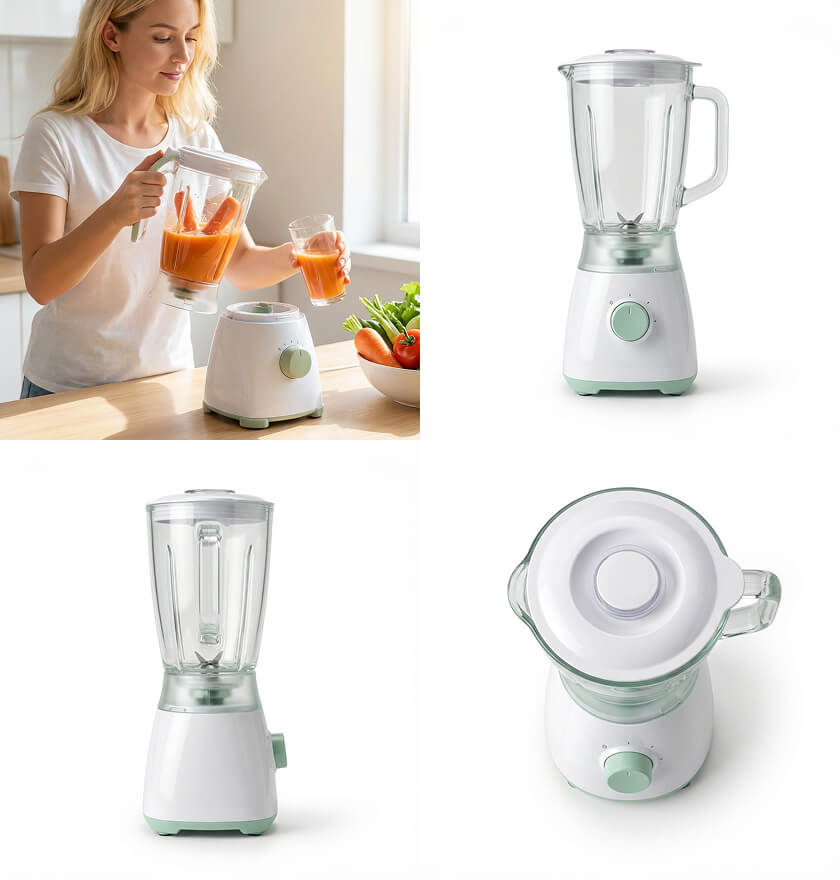
Prepare product images for marketplace, storefront, ad, and social dimensions.
Before and after
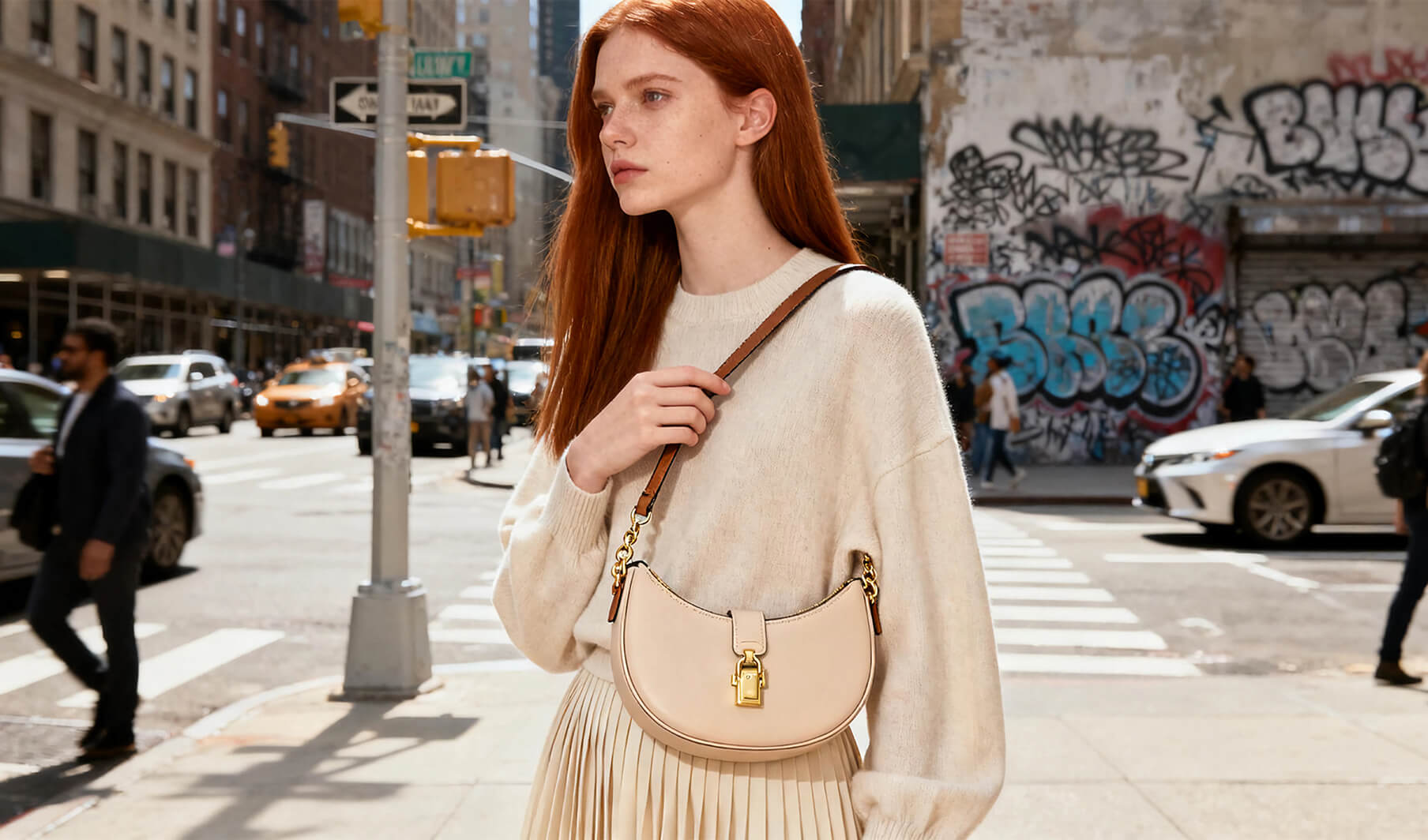
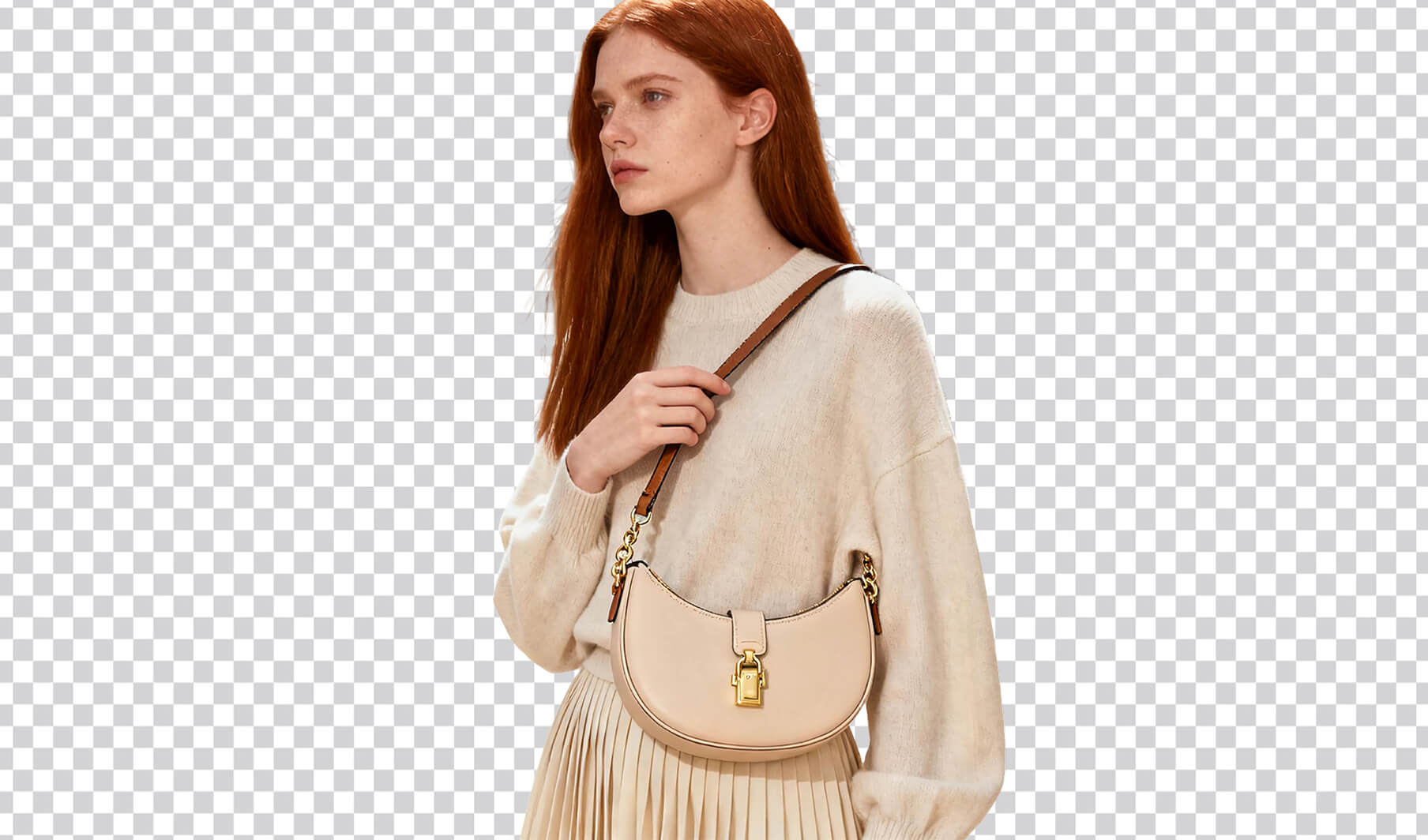
What you can create


Start in three steps
- 01
Upload the original image
Use the highest-quality source file you have.
- 02
Mark the intended change
Set the target, output size, or selected editing region.
- 03
Compare before and after
Zoom in on edges, text, texture, and changed areas.
How to get better results with Resize Product Image for Ecommerce
Channel-ready resizing protects the product focal point, safe areas, text legibility, and the composition—not only the pixel dimensions.
- Clean source assets
- Controlled local changes
- Publish-ready exports
Continue the workflow
01Expand Product ImageExtend the frame for new crops while continuing the original background and lighting.02Multi-channel Image Set GeneratorAdapt one visual direction for marketplace, storefront, advertising, and social placements.03AI Product Image UpscalerIncrease product image resolution while protecting texture, packaging text, and clean edges.
Frequently asked questions
Is Resize Product Image for Ecommerce designed for ecommerce images?
Yes. Workshop organizes the task around product fidelity, selling channel, output size, and a result that can continue into another workflow.
What should I prepare before starting?
Prepare a clear, evenly lit product image that shows the full subject and that you have the right to use.