A+ Content Image Generator
Turn product benefits, details, and brand context into a structured A+ visual story.
Open WorkshopJPG, PNG, and WebP supported
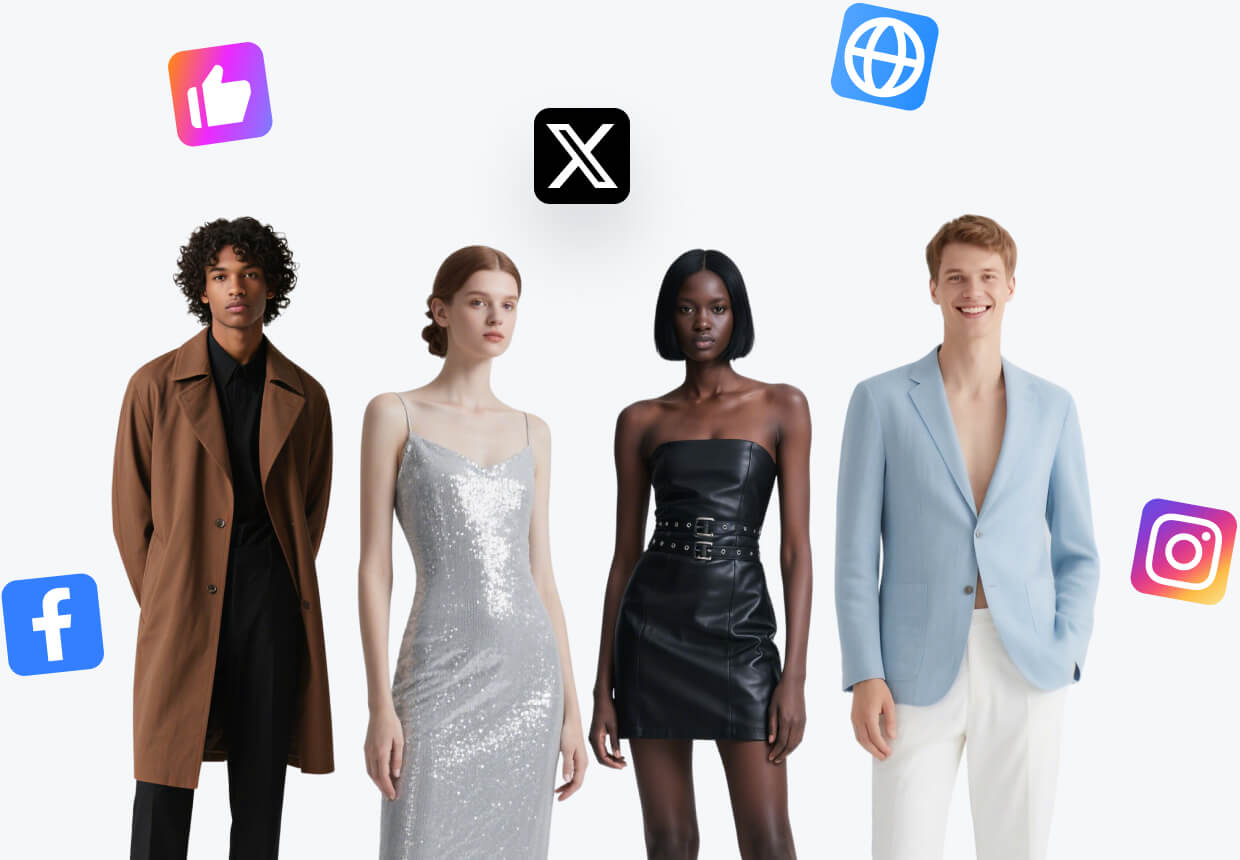
Turn product benefits, details, and brand context into a structured A+ visual story.
Before and after
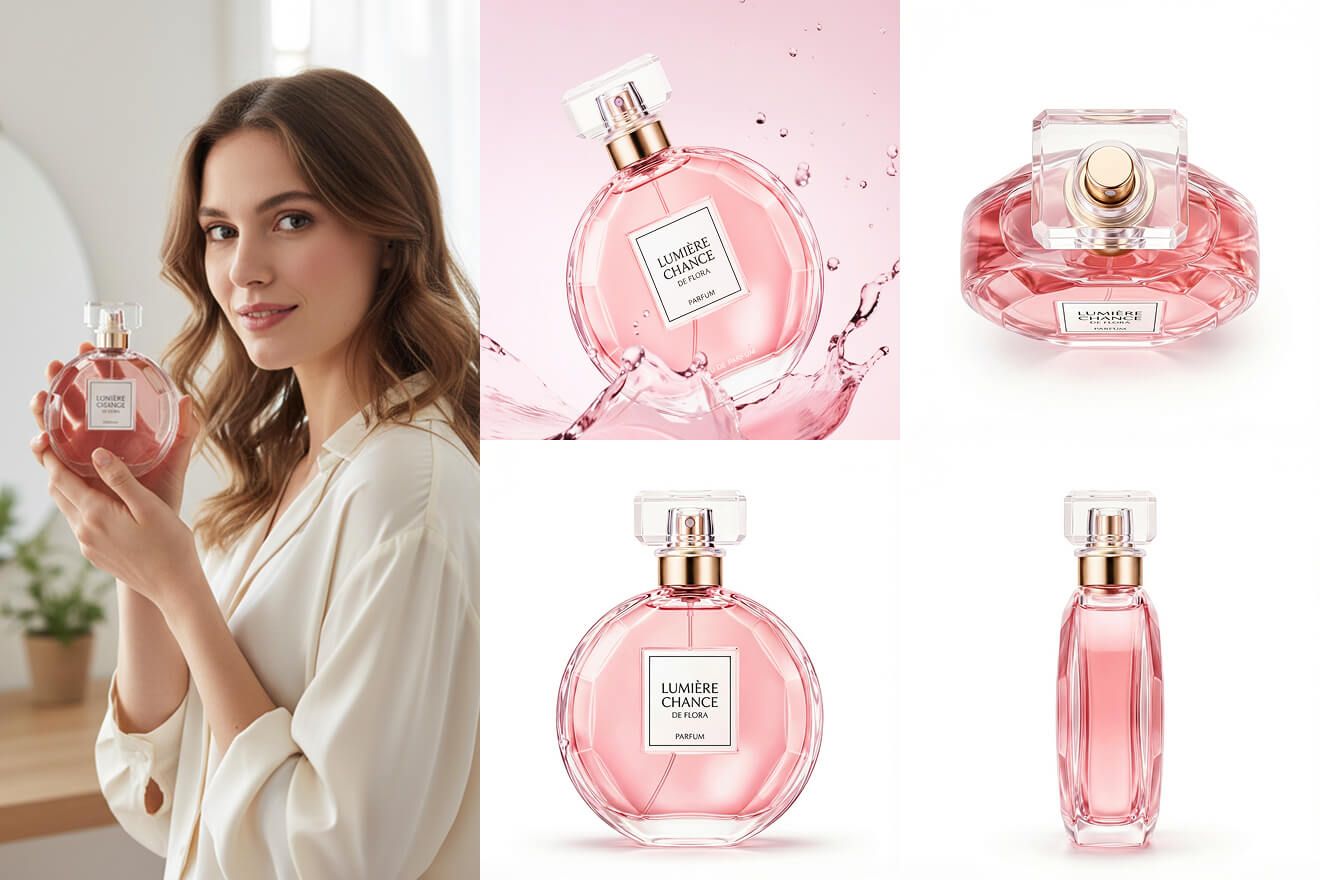
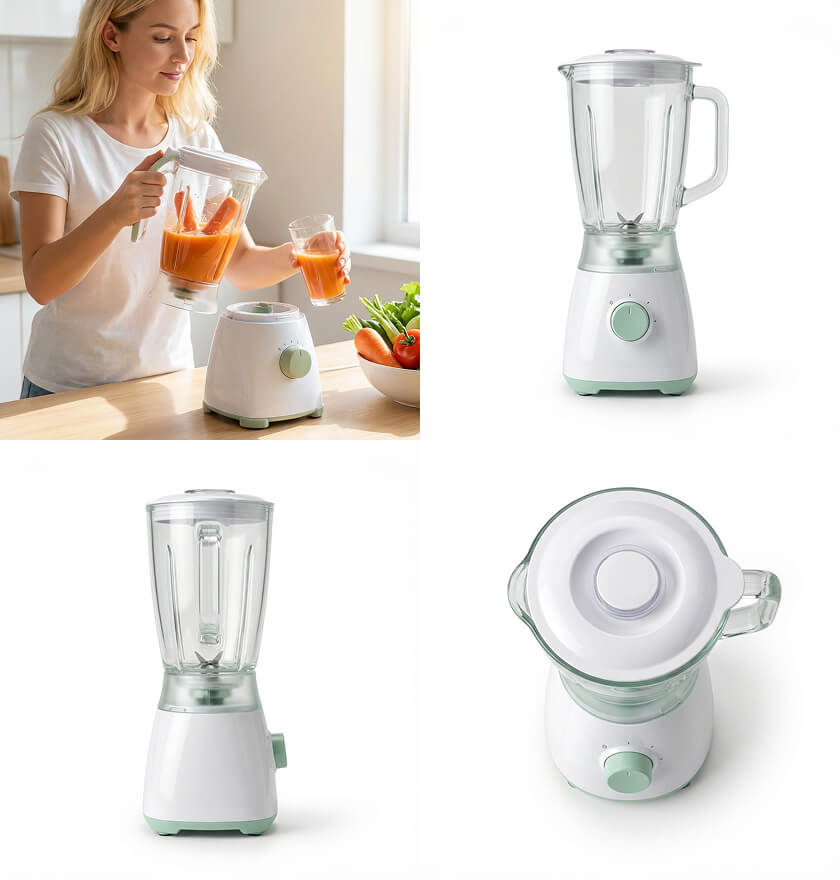
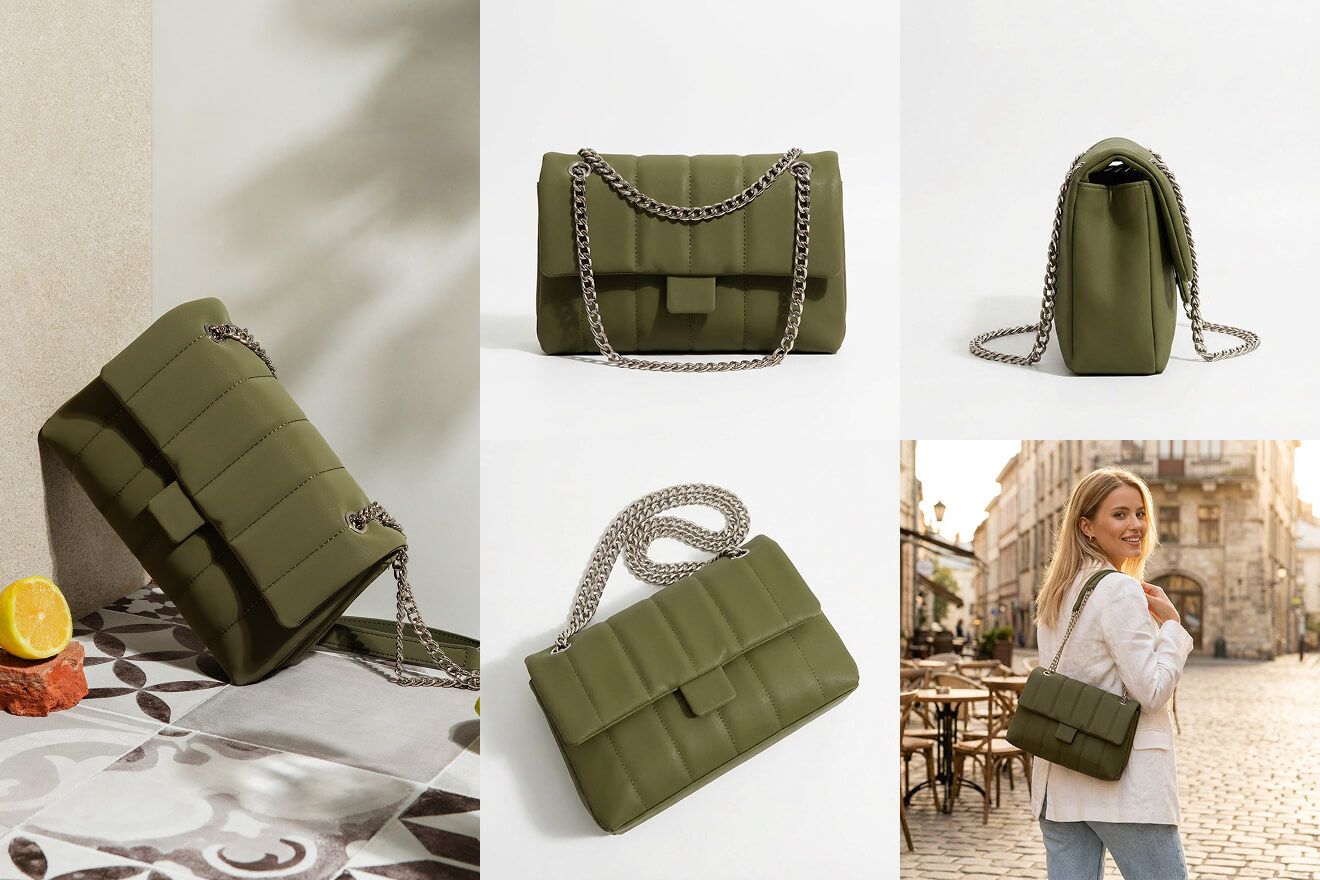
What you can create
Start in three steps
- 01
Add the product assets
Start with the clearest product views available.
- 02
Choose the listing structure
Define the channel, image roles, and brand direction.
- 03
Review the complete set
Check sequence, consistency, and crops before export.
How to get better results with A+ Content Image Generator
A+ imagery works best when each module has one message, clear reading order, and product evidence that supports the claim.
- Coordinated image sequence
- Reusable visual direction
- Complete listing coverage
Continue the workflow
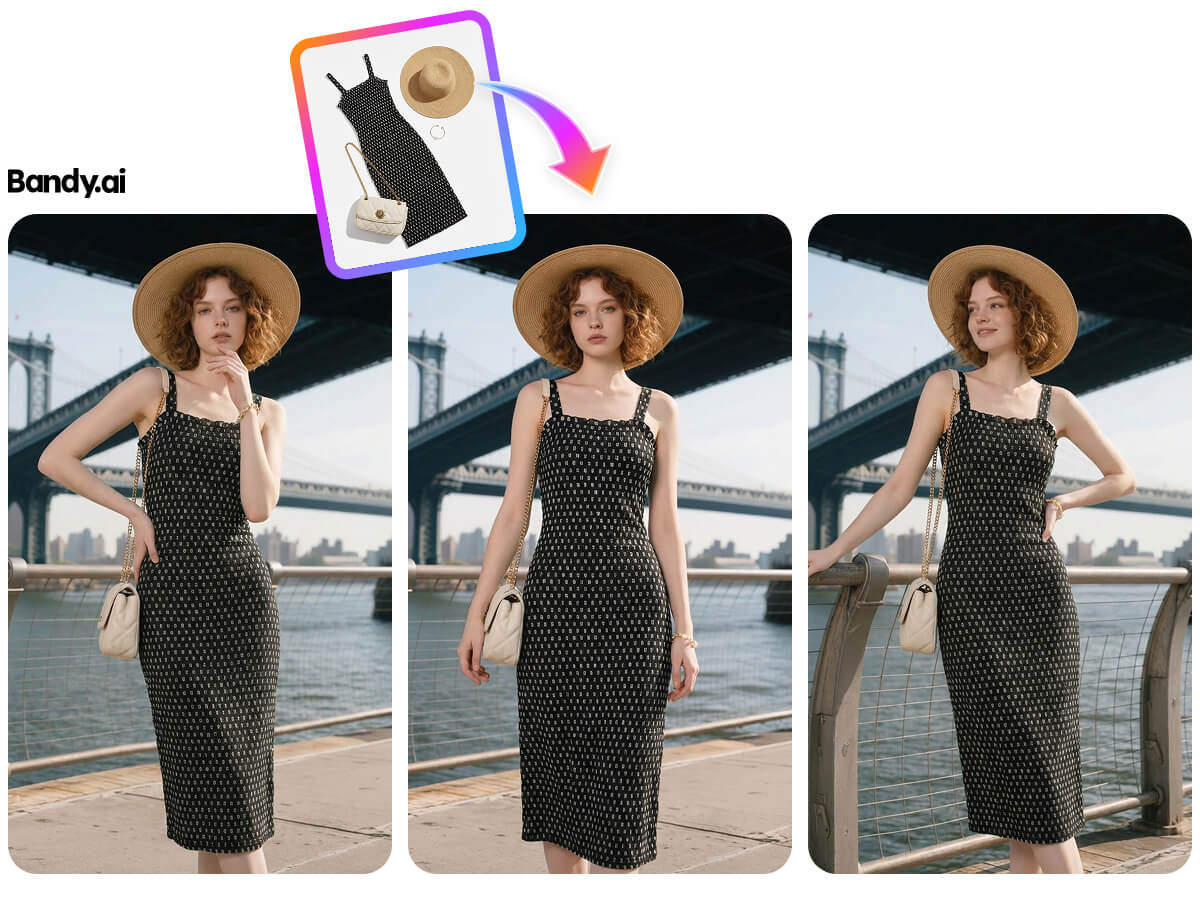
01Ecommerce Listing Image Set GeneratorBuild a coordinated hero, detail, lifestyle, and selling-point sequence from one product.02Product Detail Image GeneratorCreate close-up product views that make materials, features, and craftsmanship easier to judge.03AI Lookbook GeneratorPresent a collection through a consistent sequence of product, model, and lifestyle images.
Frequently asked questions
Is A+ Content Image Generator designed for ecommerce images?
Yes. Workshop organizes the task around product fidelity, selling channel, output size, and a result that can continue into another workflow.
What should I prepare before starting?
Prepare a clear, evenly lit product image that shows the full subject and that you have the right to use.