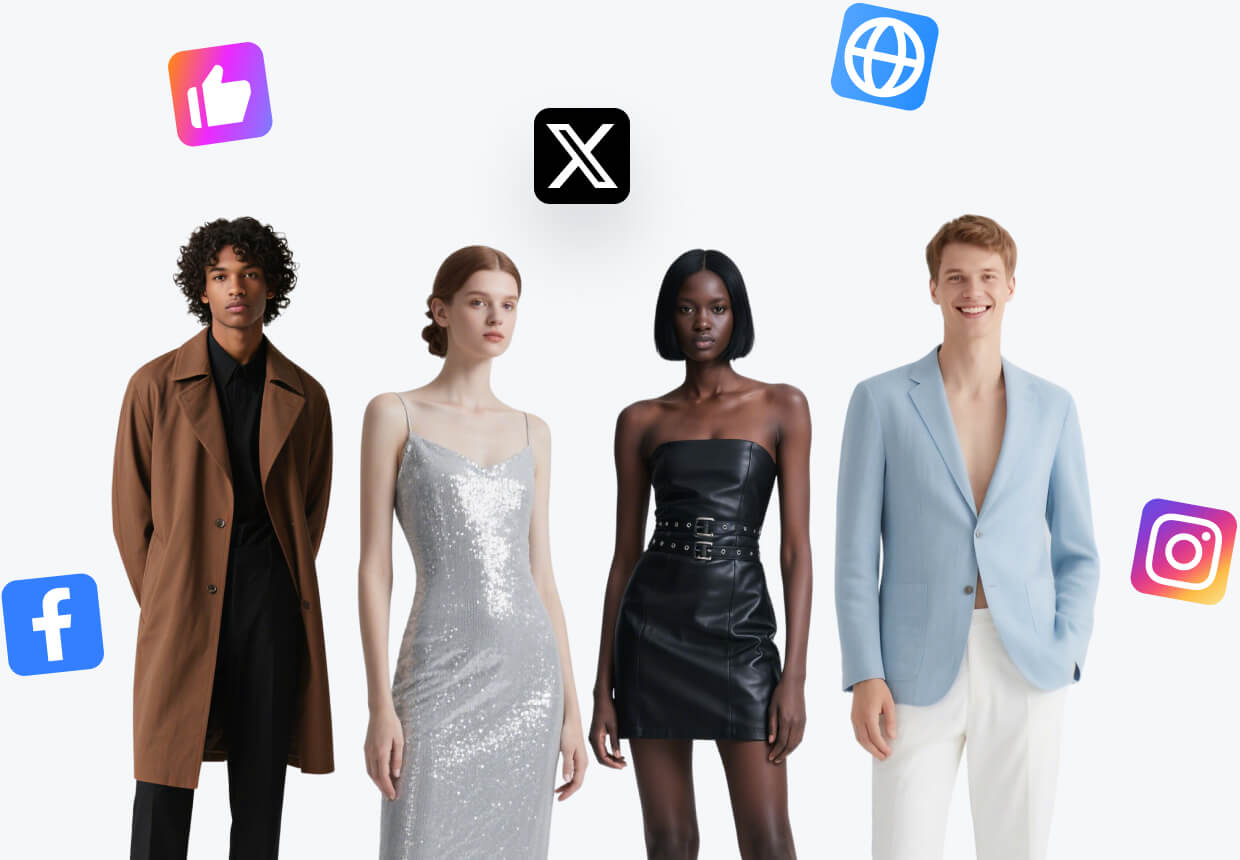
Accessory Virtual Try-on
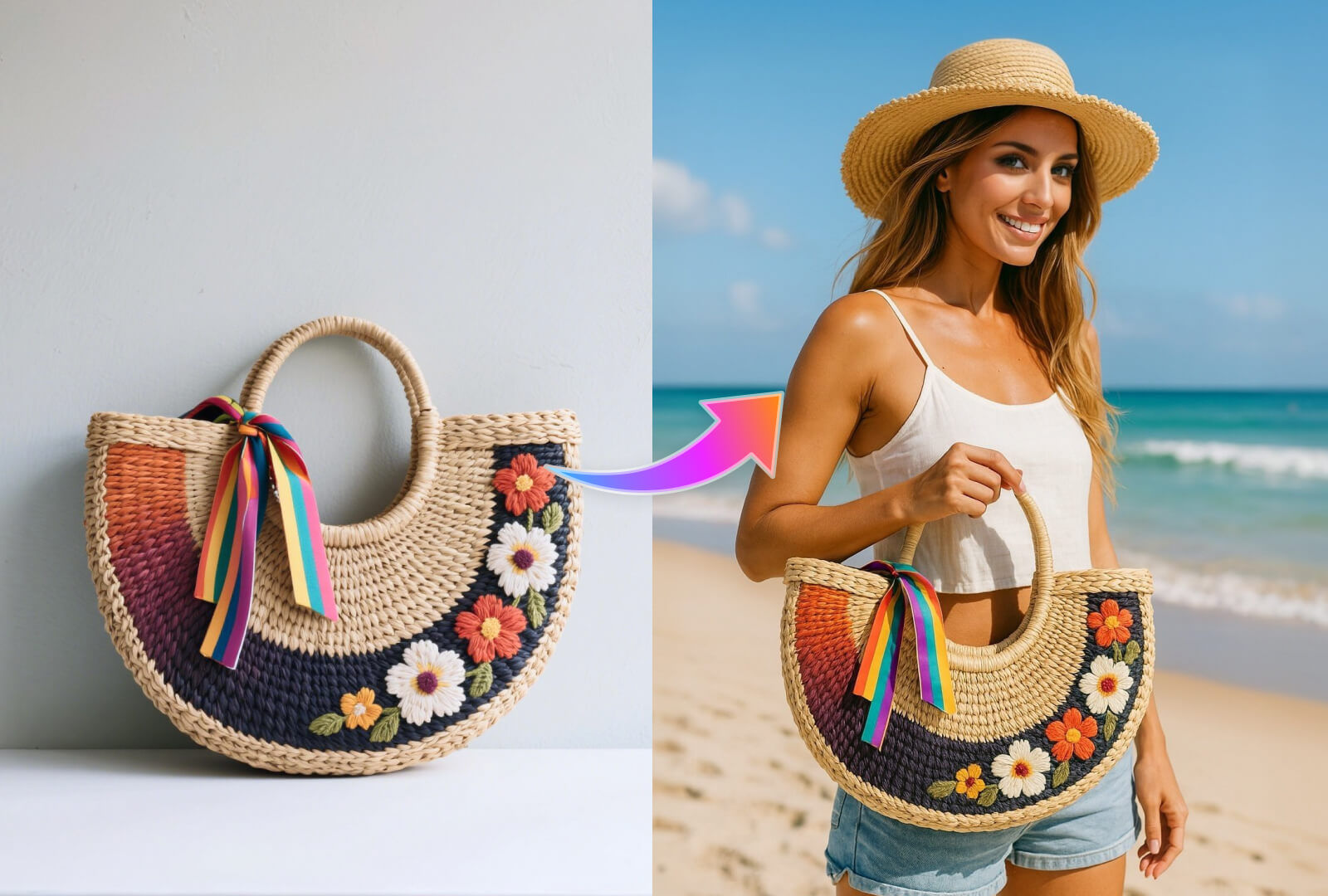
Show bags, jewelry, eyewear, and accessories at a believable scale and position.
Open WorkshopJPG, PNG, and WebP supported
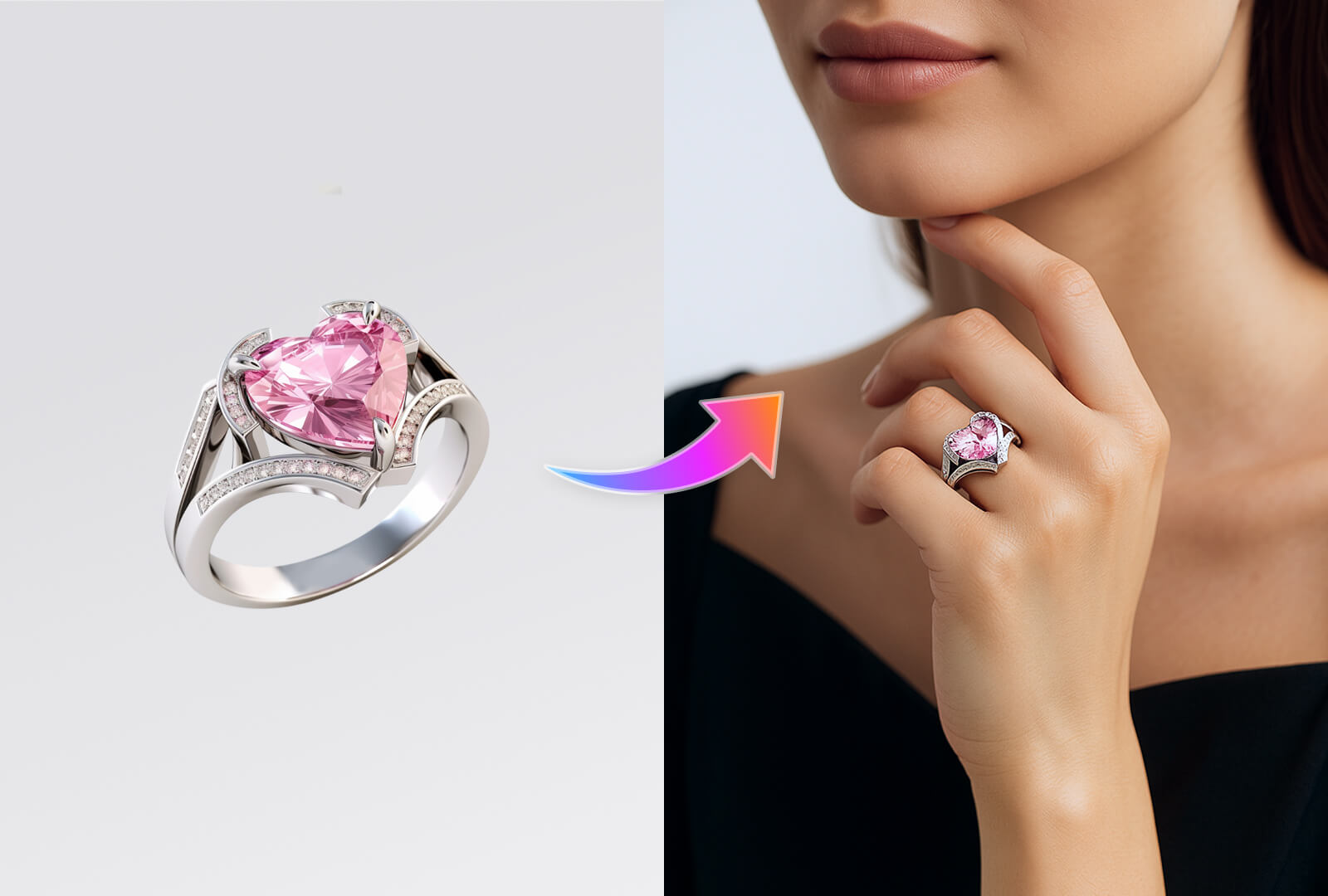
Show bags, jewelry, eyewear, and accessories at a believable scale and position.
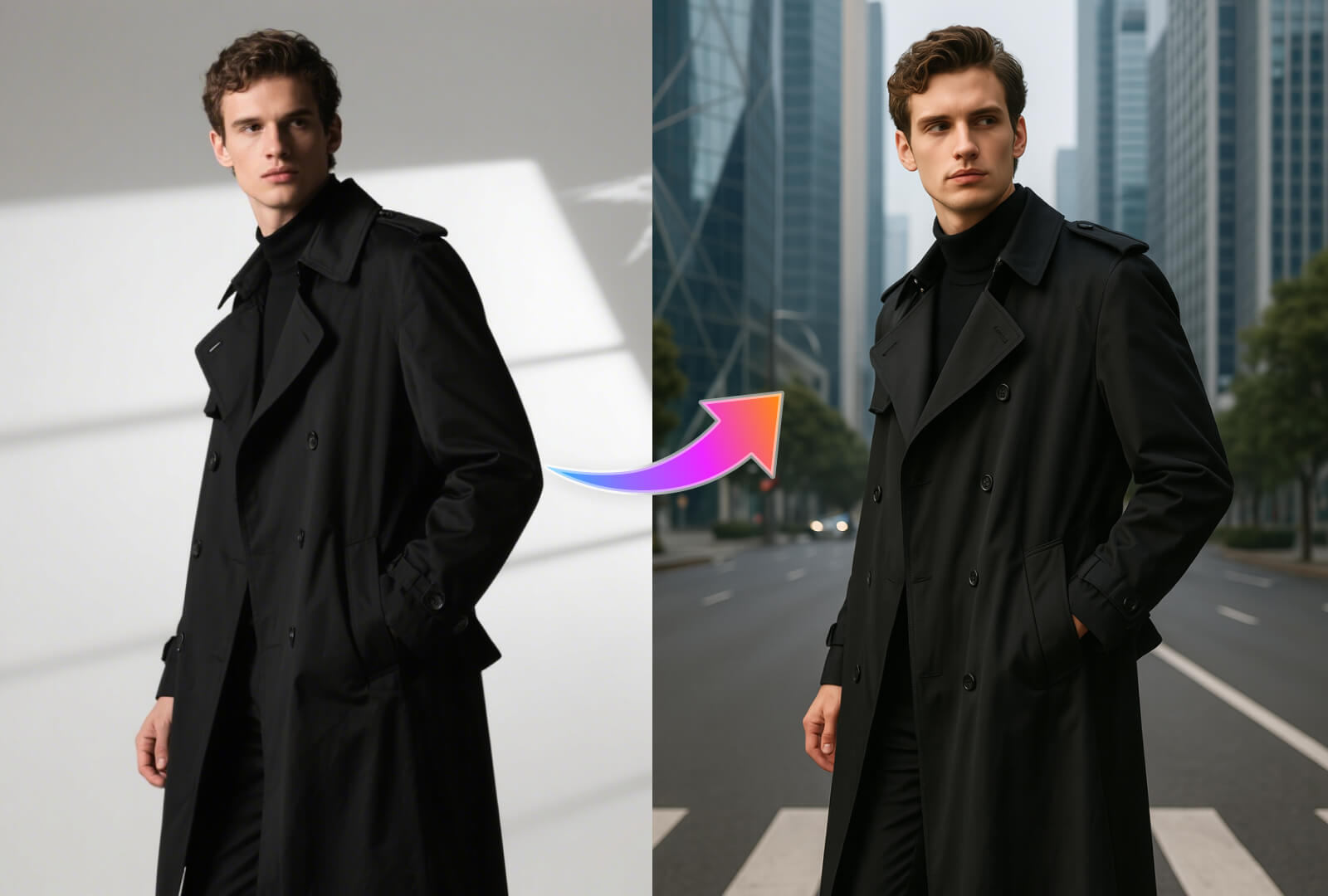
Before and after
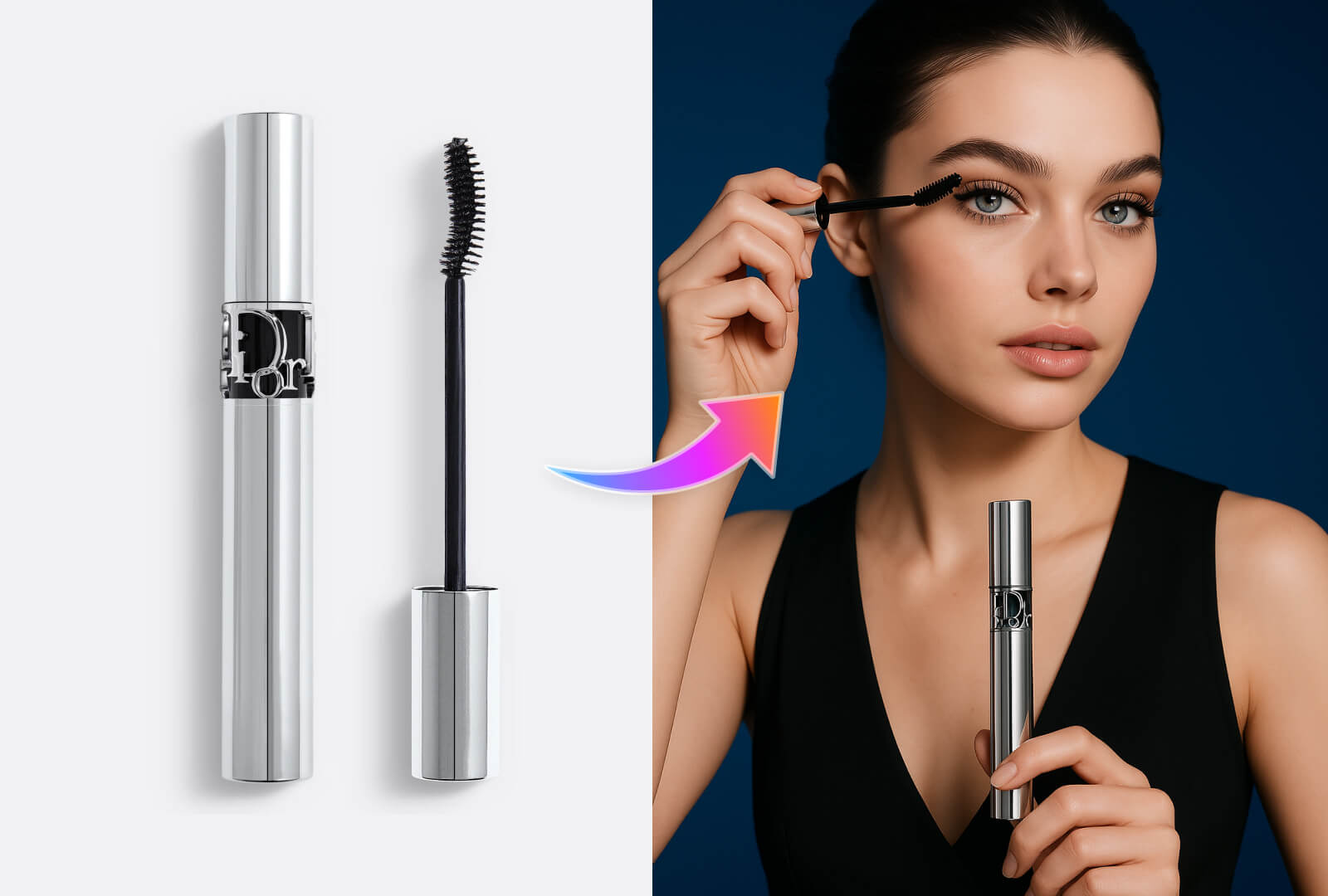
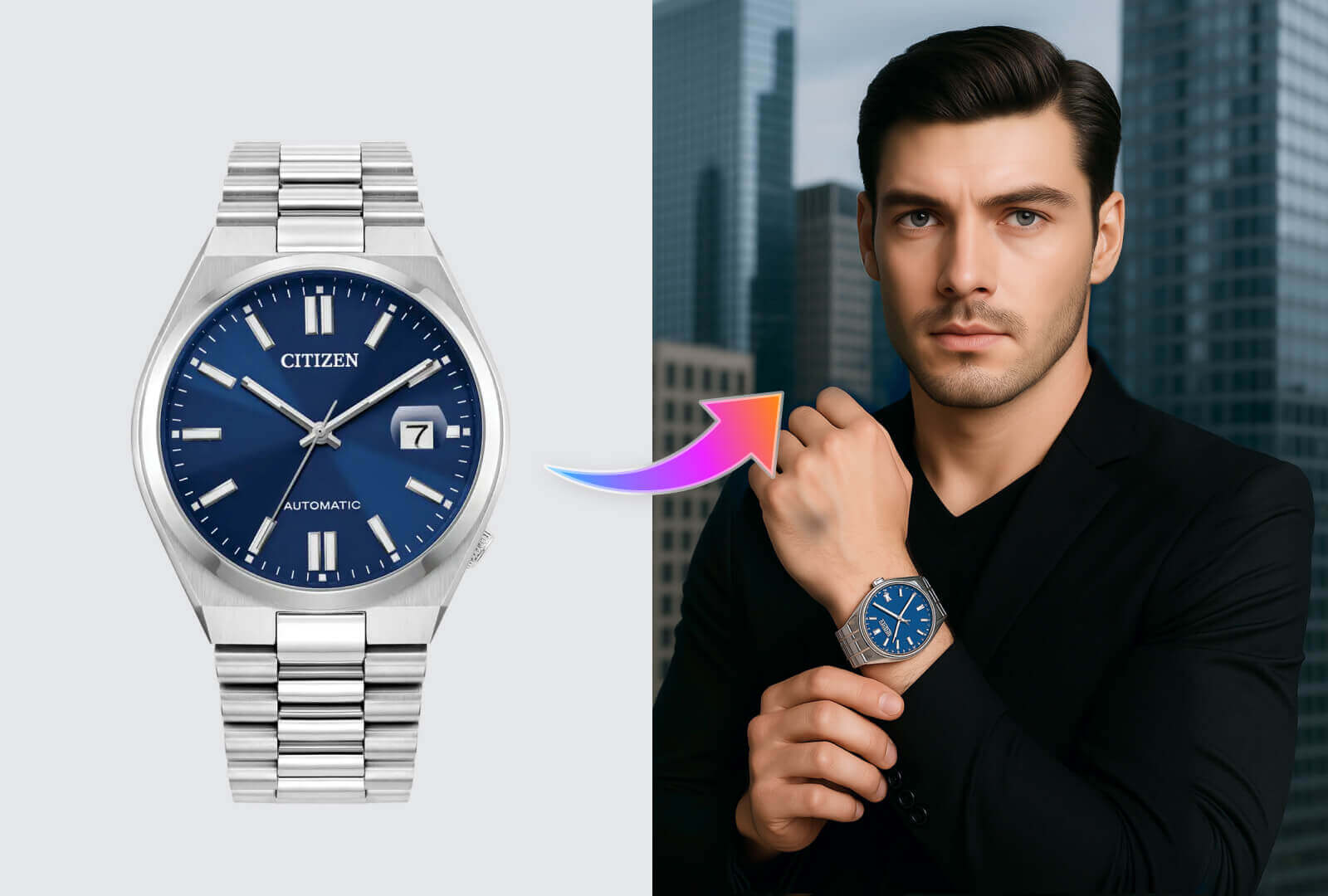
What you can create
Start in three steps
- 01
Upload the product or garment
Keep shape, texture, and important details visible.
- 02
Choose the model direction
Set the model, pose, audience, and visual context.
- 03
Inspect product fidelity
Review fit, scale, occlusion, and the product details before export.
How to get better results with Accessory Virtual Try-on
Accessory try-on needs accurate attachment points, physical scale, reflections, shadows, and unobstructed product details.
- Natural product placement
- Audience variations
- Consistent model direction
Continue the workflow
01AI Model Image GeneratorShow products on models while keeping the merchandise recognizable and central.02AI Model SwapChange the person in a product image while preserving styling, product placement, and composition.03Product Detail Image GeneratorCreate close-up product views that make materials, features, and craftsmanship easier to judge.
Frequently asked questions
Is Accessory Virtual Try-on designed for ecommerce images?
Yes. Workshop organizes the task around product fidelity, selling channel, output size, and a result that can continue into another workflow.
What should I prepare before starting?
Prepare a clear, evenly lit product image that shows the full subject and that you have the right to use.