
01
Upload the source image
Use the clearest source file so the product can keep moving into new content.
Change the setting around a product so one source photo can support more launch, campaign, and social content.
Image refinement and reuse
Upload one product photo, then replace the background with a scene, color, gradient, or authorized reference image.
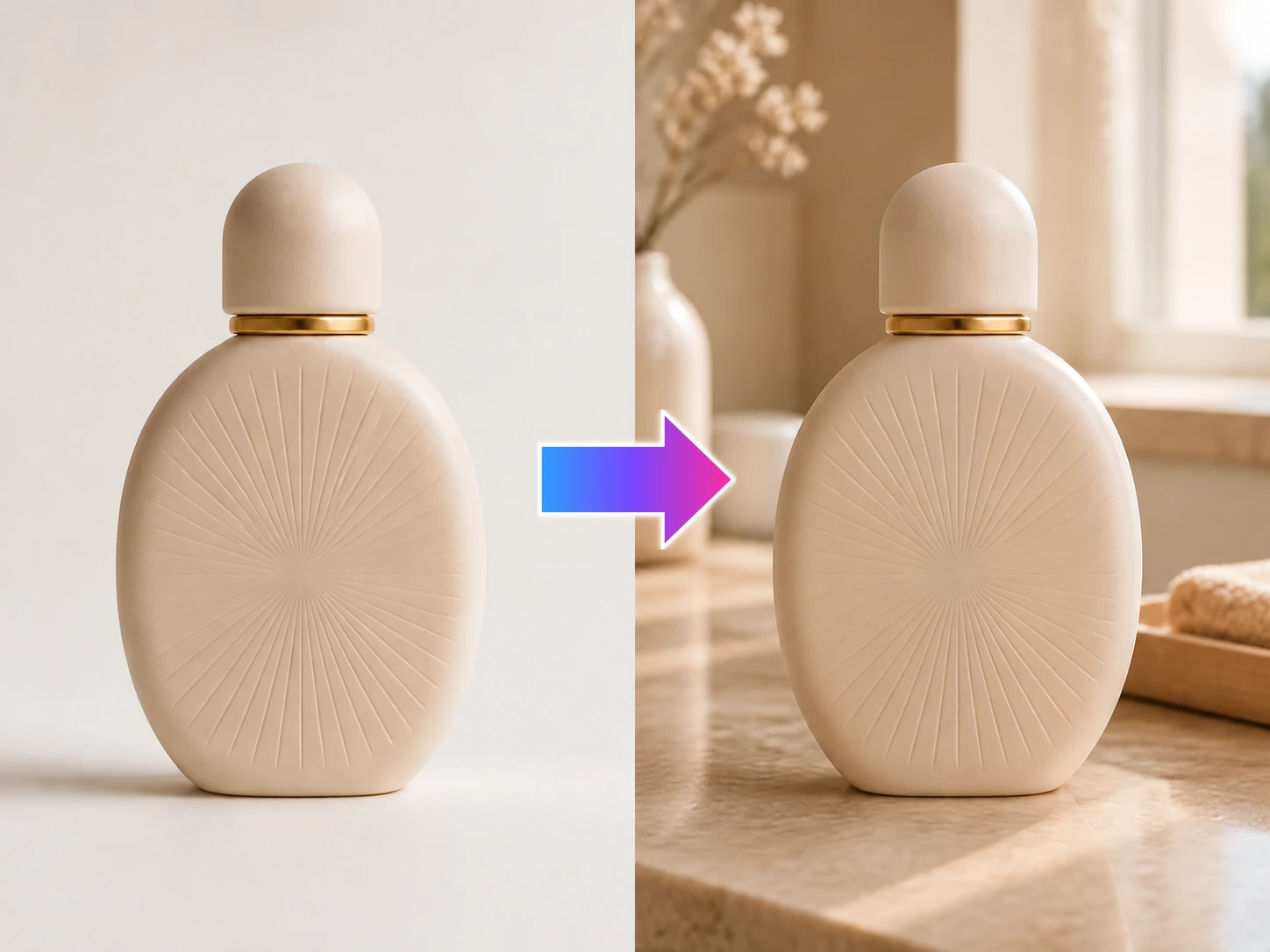
Upload one product photo, then replace the background with a scene, color, gradient, or authorized reference image.
Choose the setting your launch or campaign needs, then move the same product into a new marketing context.
Name the change, create the improved source, and move the product into its next listing, social post, poster, or campaign asset.
Use the clearest source file so the product can keep moving into new content.
Set the new scene, target, or editing region that will unlock the next asset.
Bring the updated product image into the next listing, poster, or campaign.
Remove the background, restore detail, translate the image, or clean up a distraction so the same product can move into its next asset.
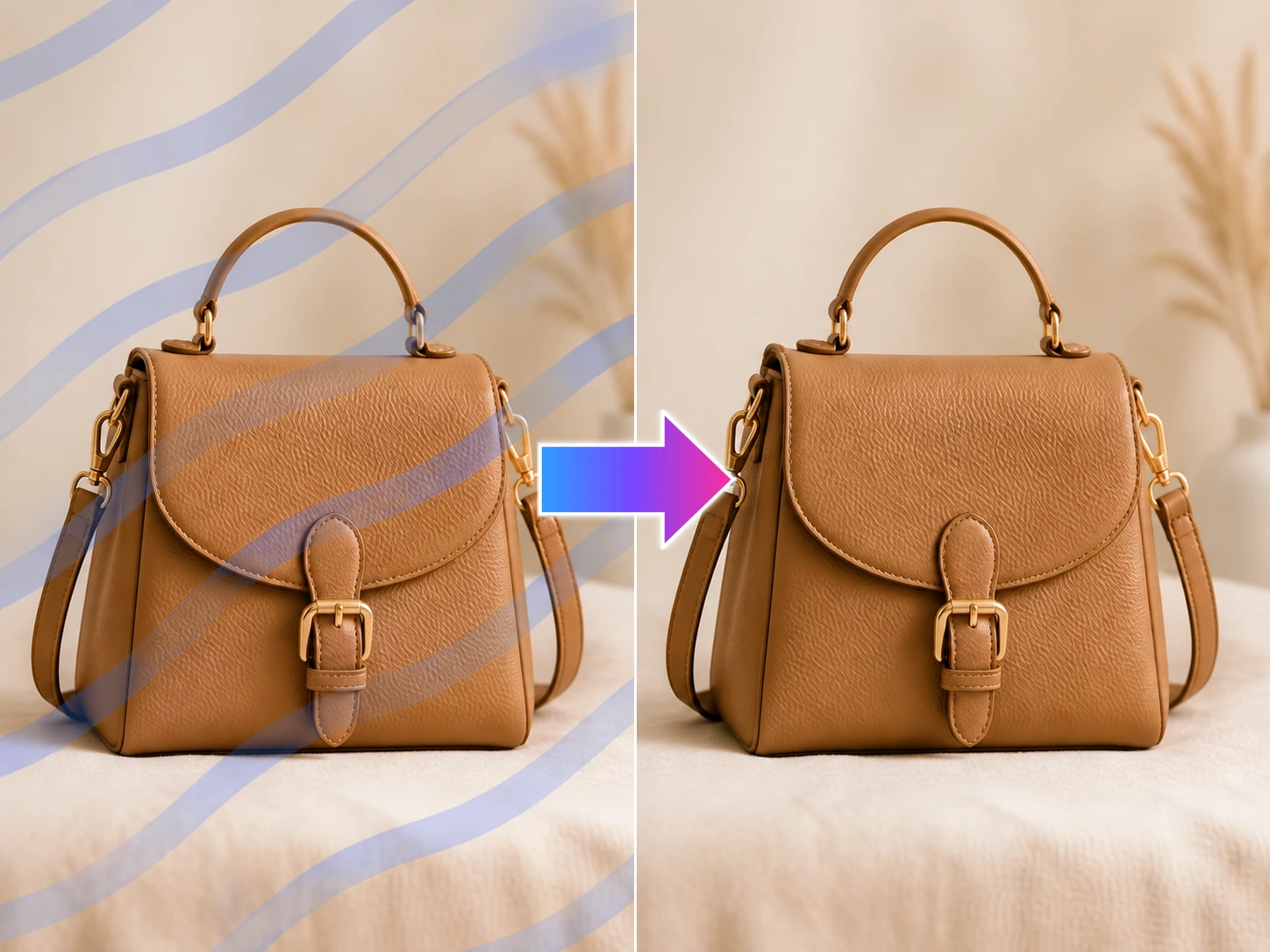
On an asset you own or have permission to edit, remove your own mark so the file can return to the design workflow.
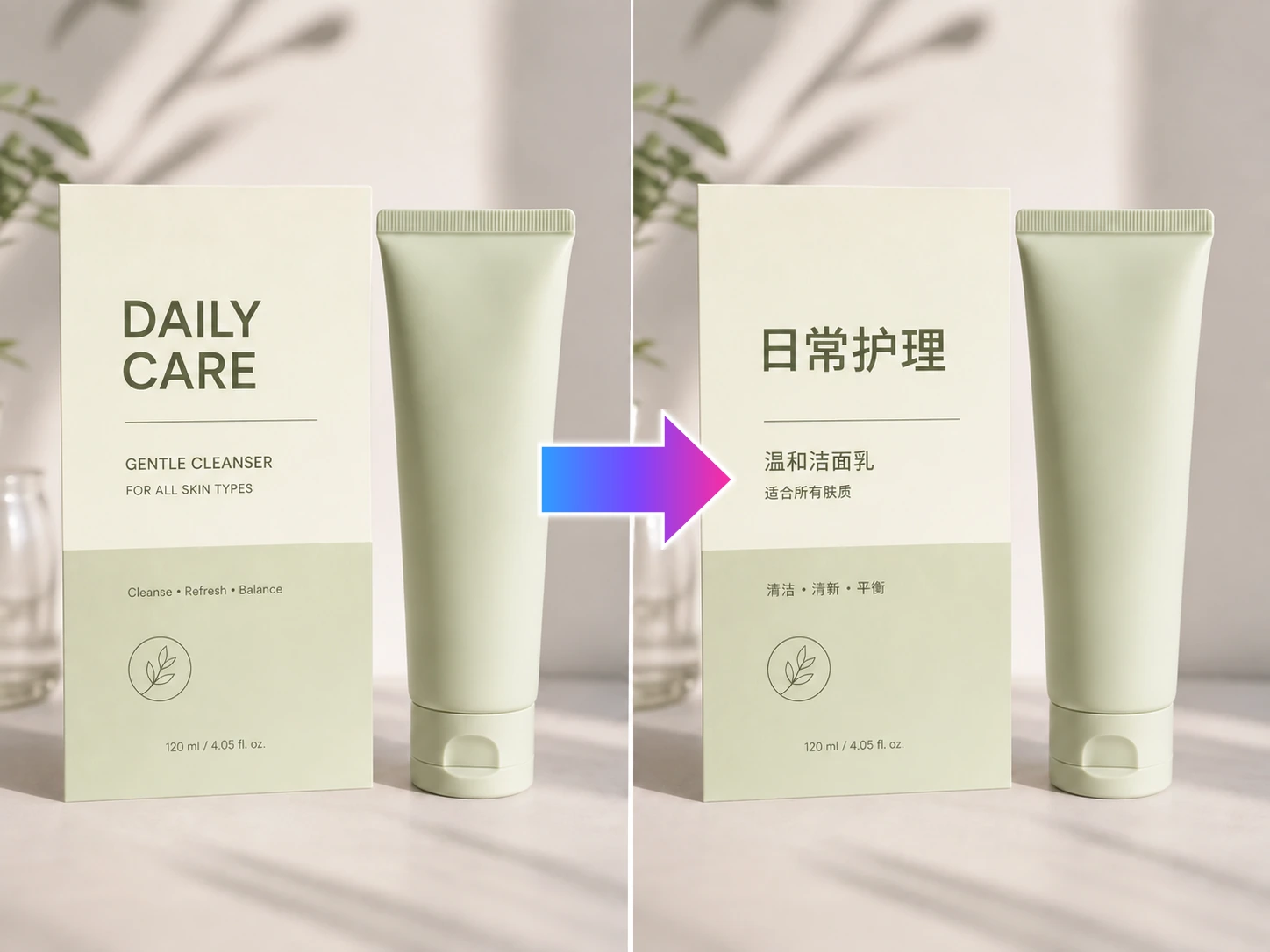
Translate product-image text so the same visual content can support another market without rebuilding the layout.
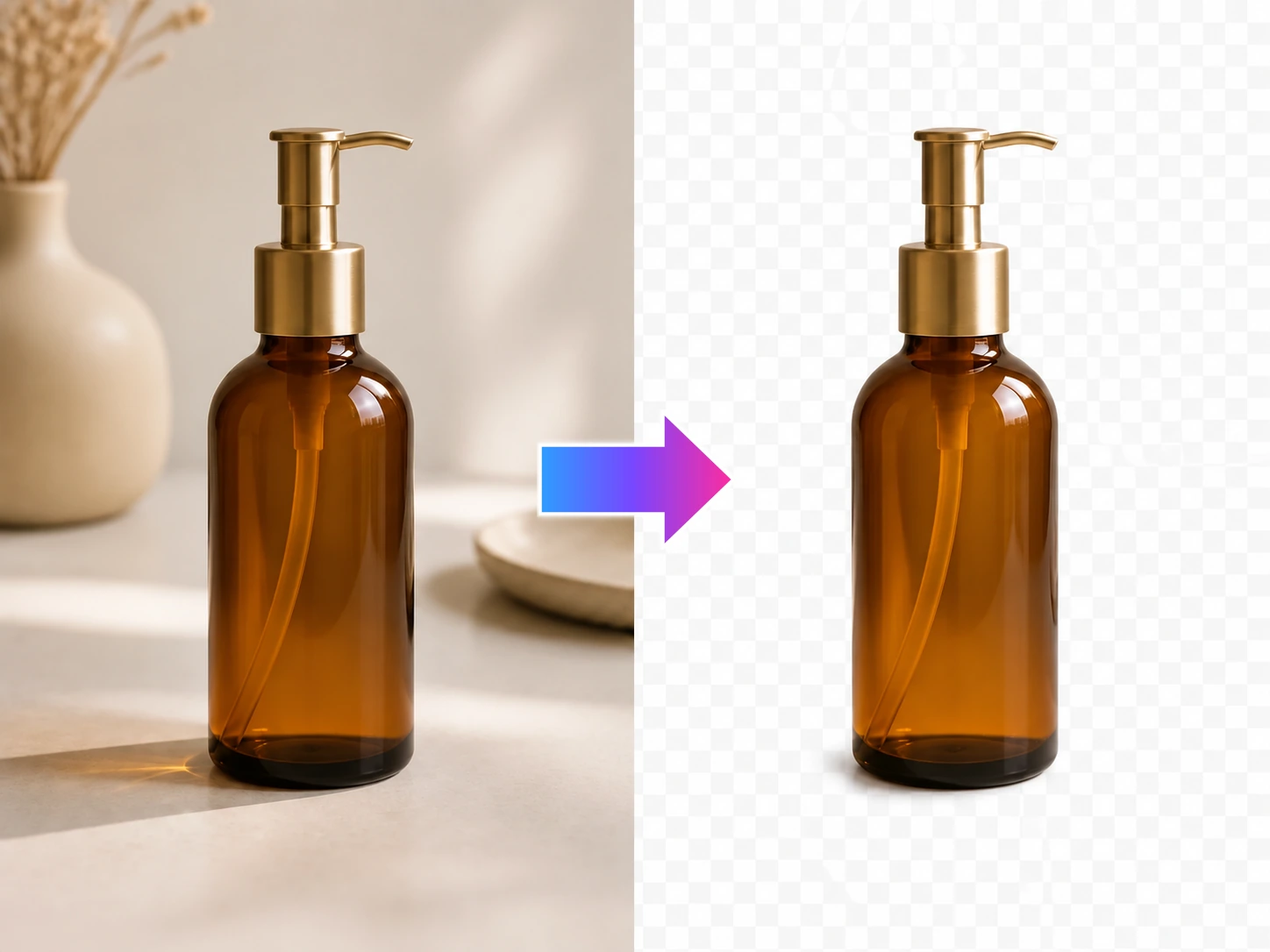
Remove the background from a clear product photo and extract a clean subject for listings, scenes, and campaign content.
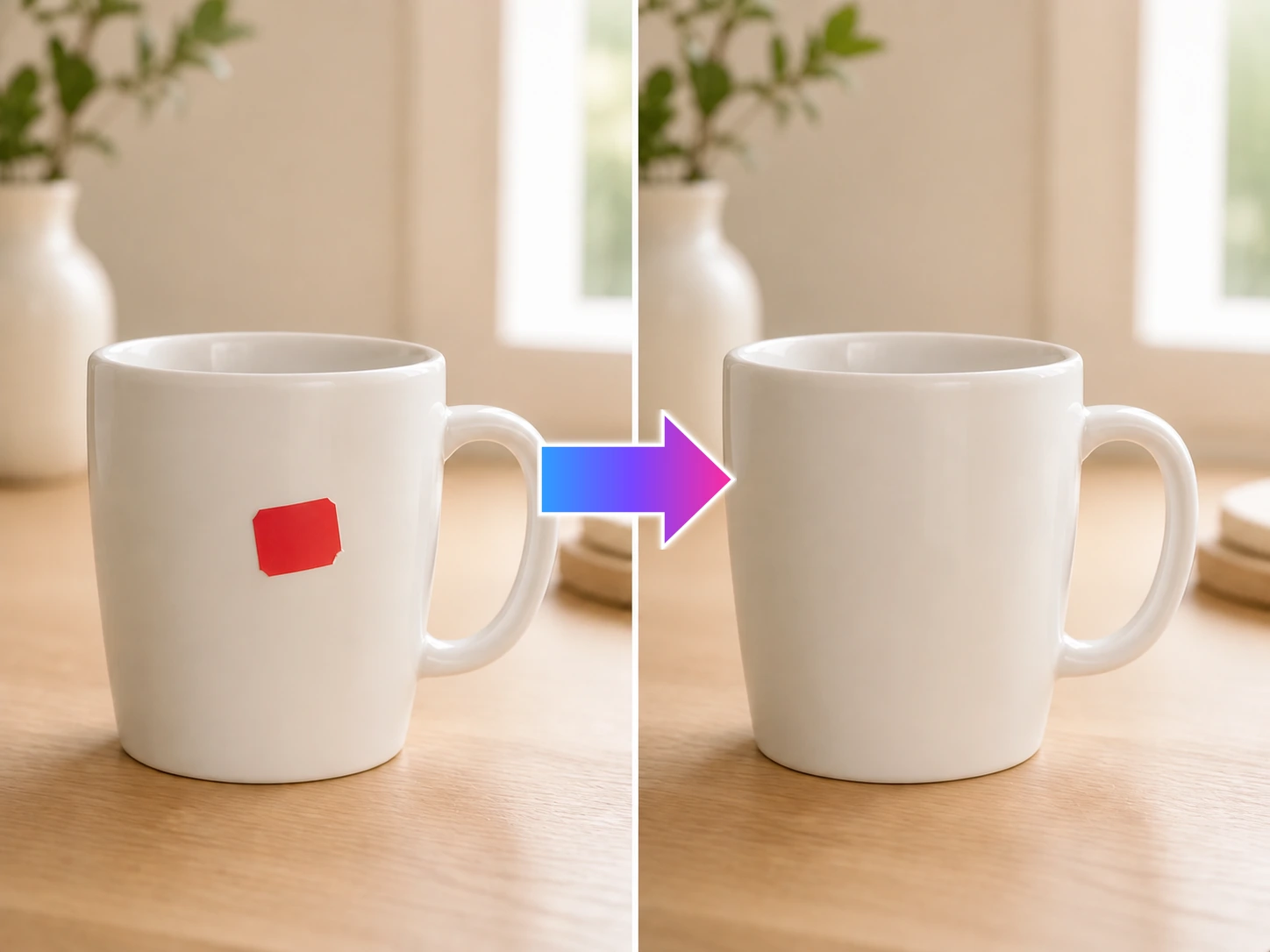
Erase props, cables, dust, or other distractions so the product photo is ready for its next listing or campaign asset.
Swap the original background for the scene, color, or seasonal direction your next listing, ad, or social asset needs.