
01
Add one product photo
Use the clearest source you have so the product can anchor the content set.
Create a clear primary image from 1 product photo so shoppers recognize the product in a listing, ad, or social post.
Listing and launch content
Upload one product photo and create a clear first image for your listing, ad, or social post.
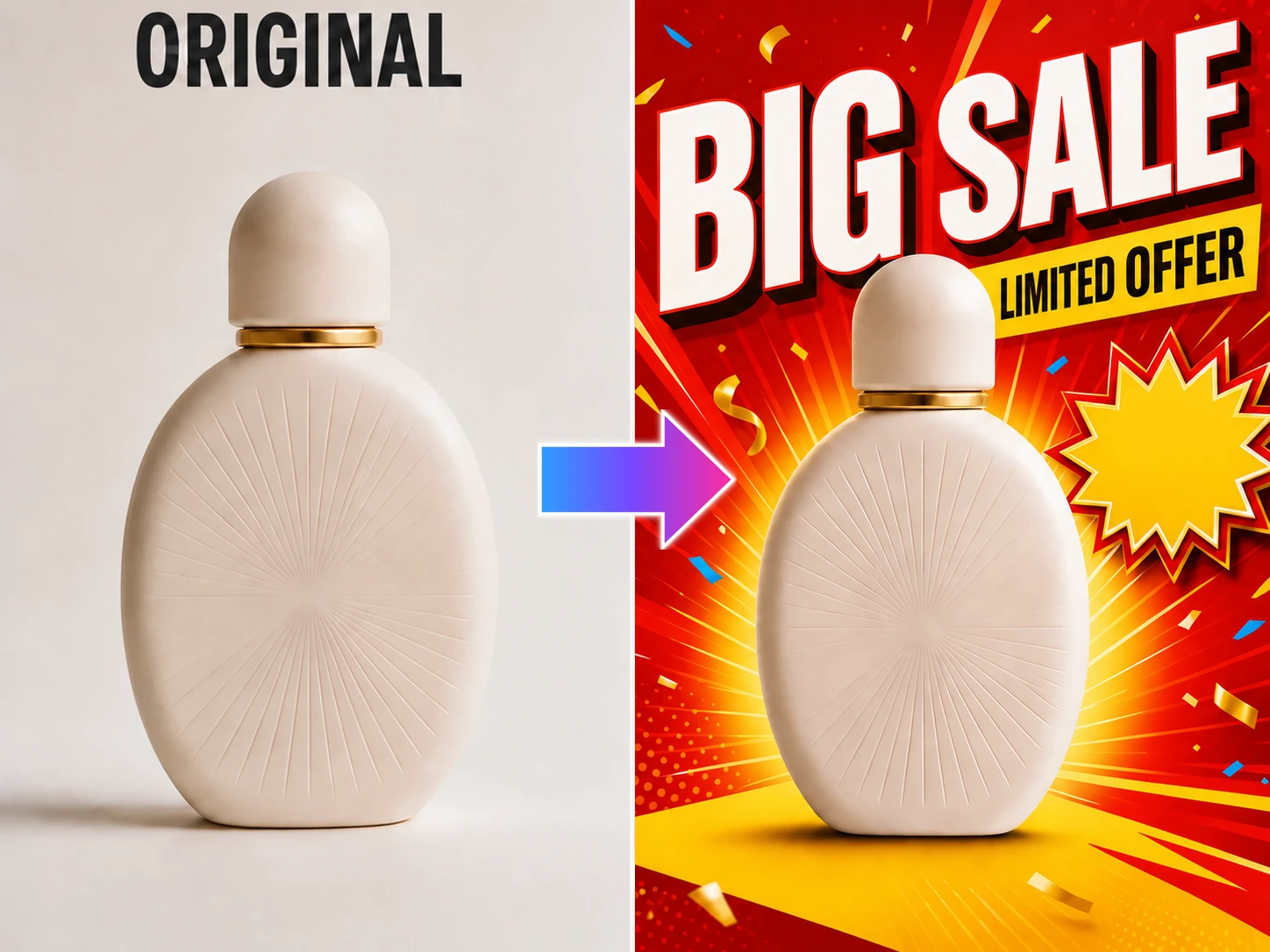
Upload one product photo and create a clear first image for your listing, ad, or social post.
See what one product photo can make
Make the product readable at a glance, then build the image around the selling point and placement you need.
Pick a listing or campaign use, make the first image set, then try another selling point or scene when you need a new version.
Use the clearest source you have so the product can anchor the content set.
Set the selling point, scene, audience, and content direction you need next.
Generate the first version, then keep building from the same product source.
A main image helps shoppers recognize the product. Feature images answer questions. Scene images show how it fits into real life.
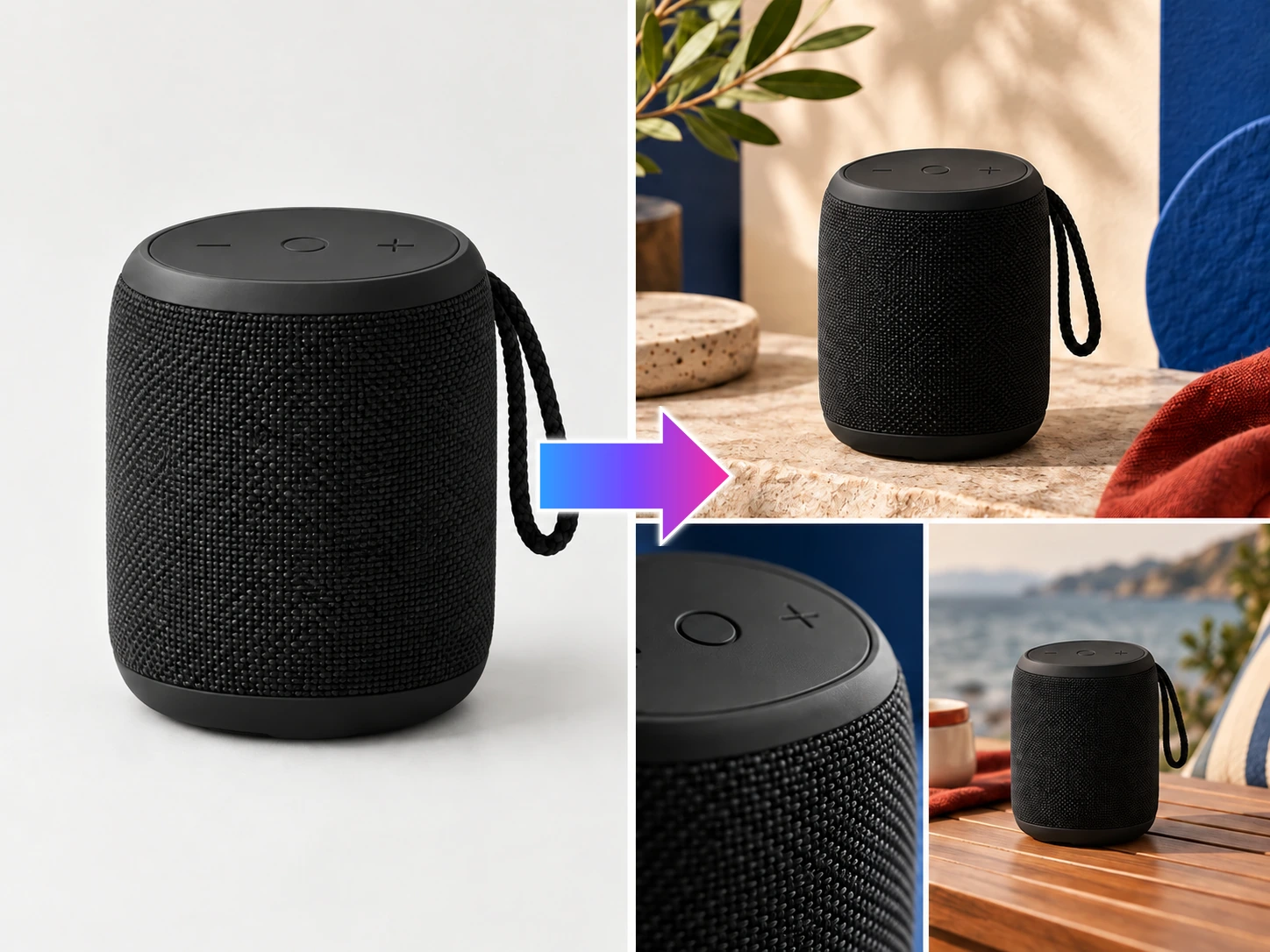
Use an authorized reference set’s structure to build your own product listing content faster—without copying its product or brand.
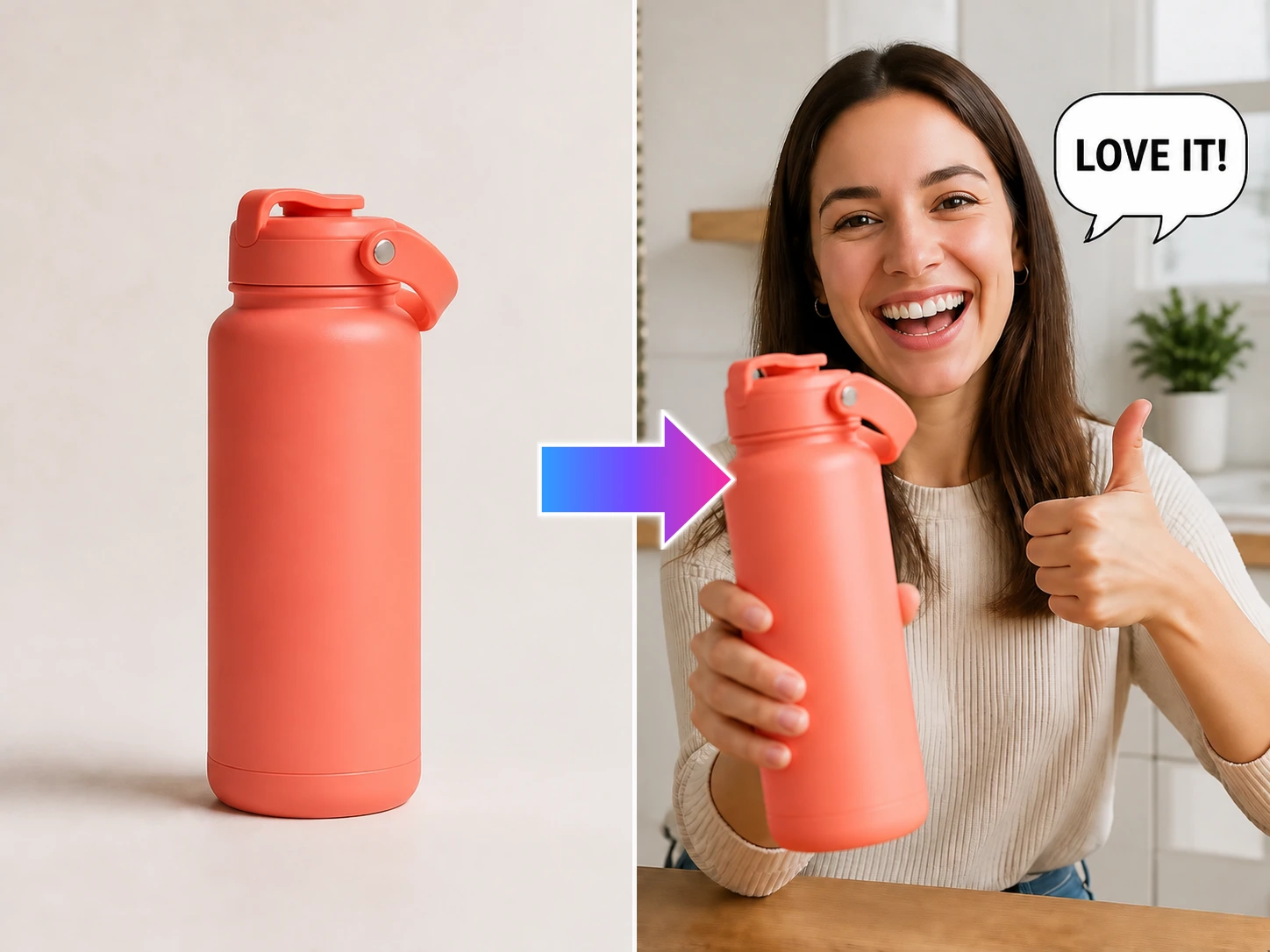
Turn 1 product photo into natural UGC-style content that feels at home in the feed and helps people imagine using it.
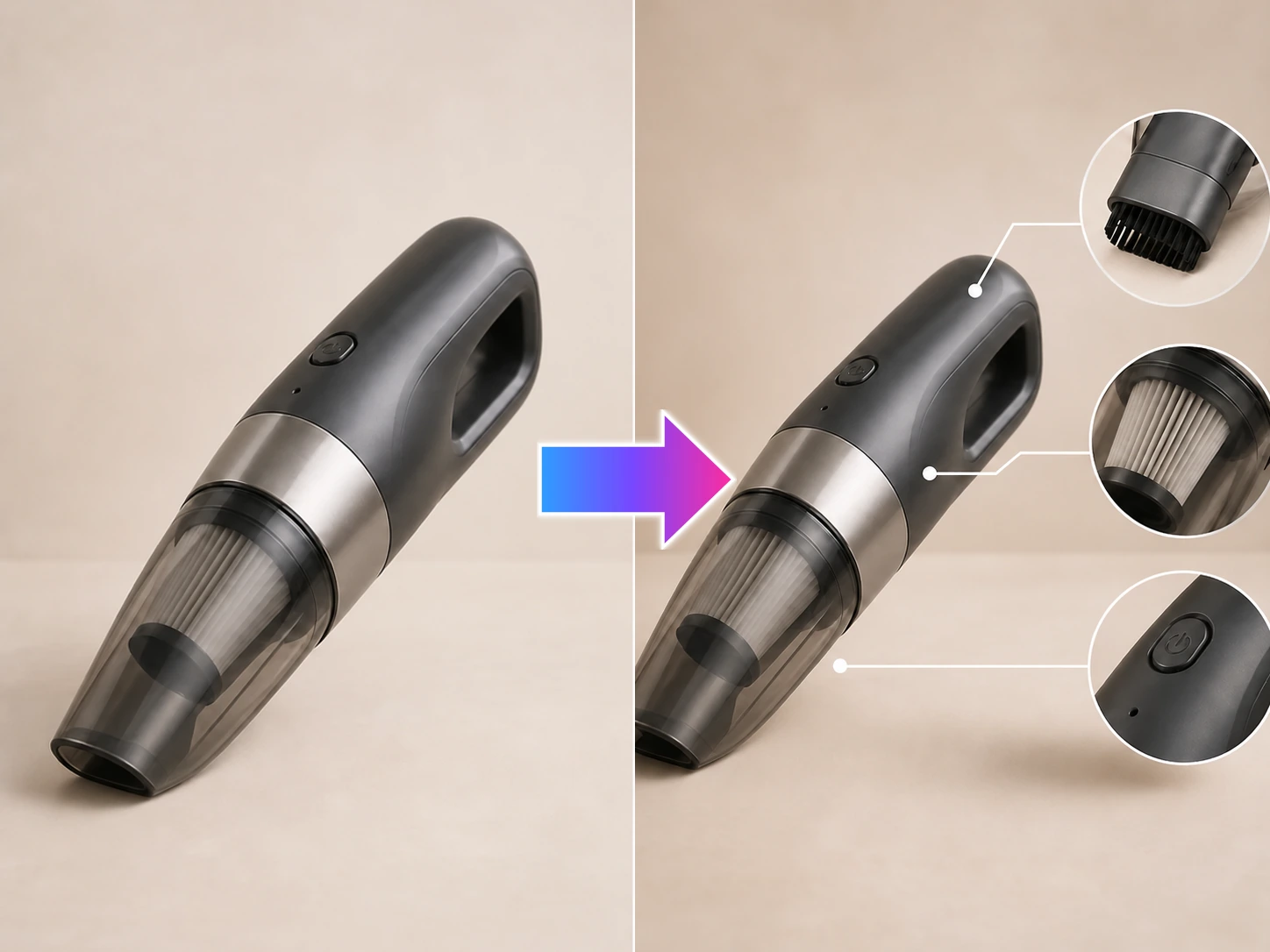
Turn real product details into selling-point images that answer buyer questions in listings, ads, and social posts.
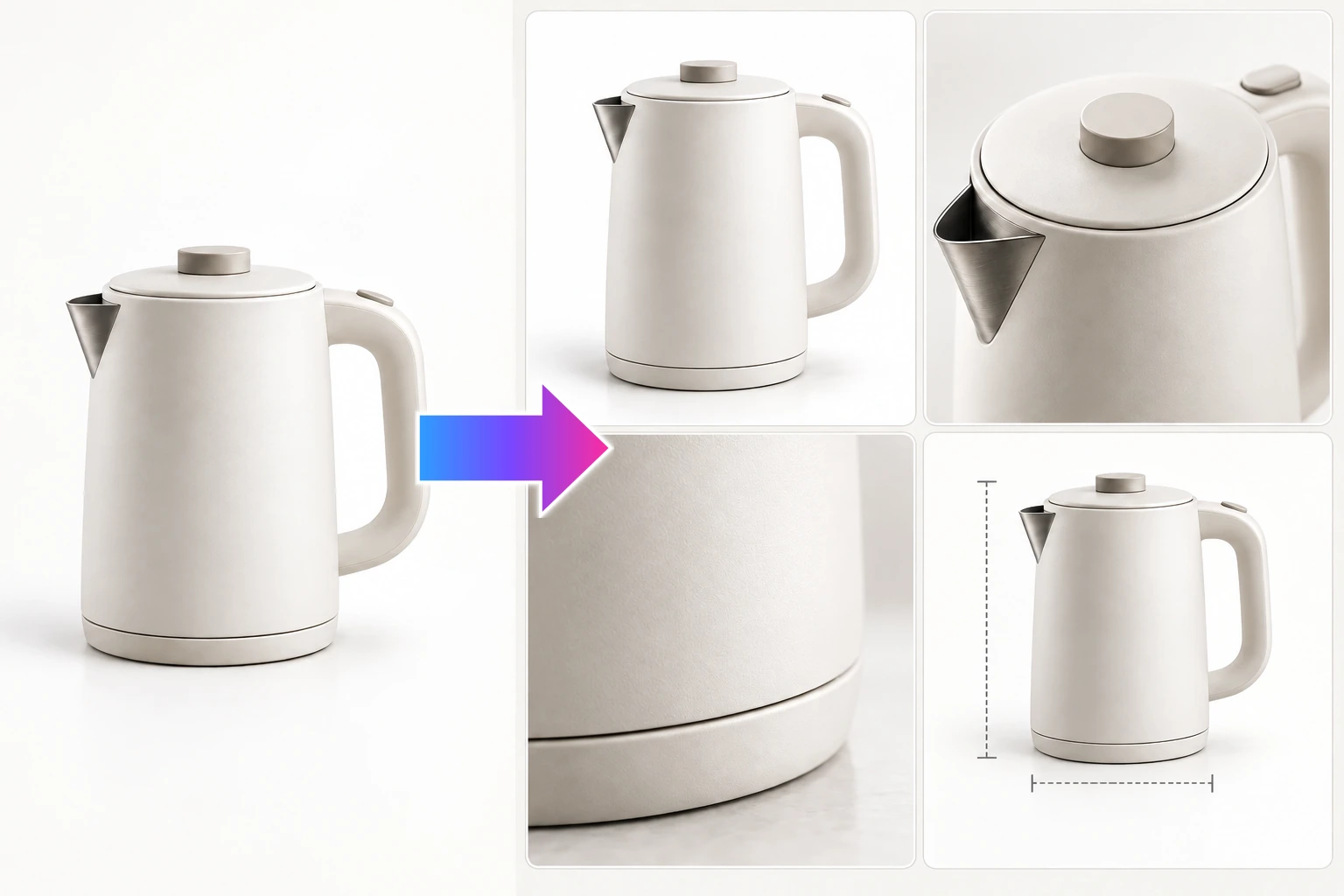
Turn 1 product photo into a complete listing image set—main, feature, scene, and launch visuals for one SKU.
Create a clear main image that helps shoppers recognize the product in a listing, ad, or social post.