
01
Add product media
Upload the clearest product image or reference clip you have.
Turn product images into a presenter-led short video that explains the product, use case, and key selling point.
Social and product-selling video
Upload a product photo and turn the product facts and key benefit into a presenter-led video.
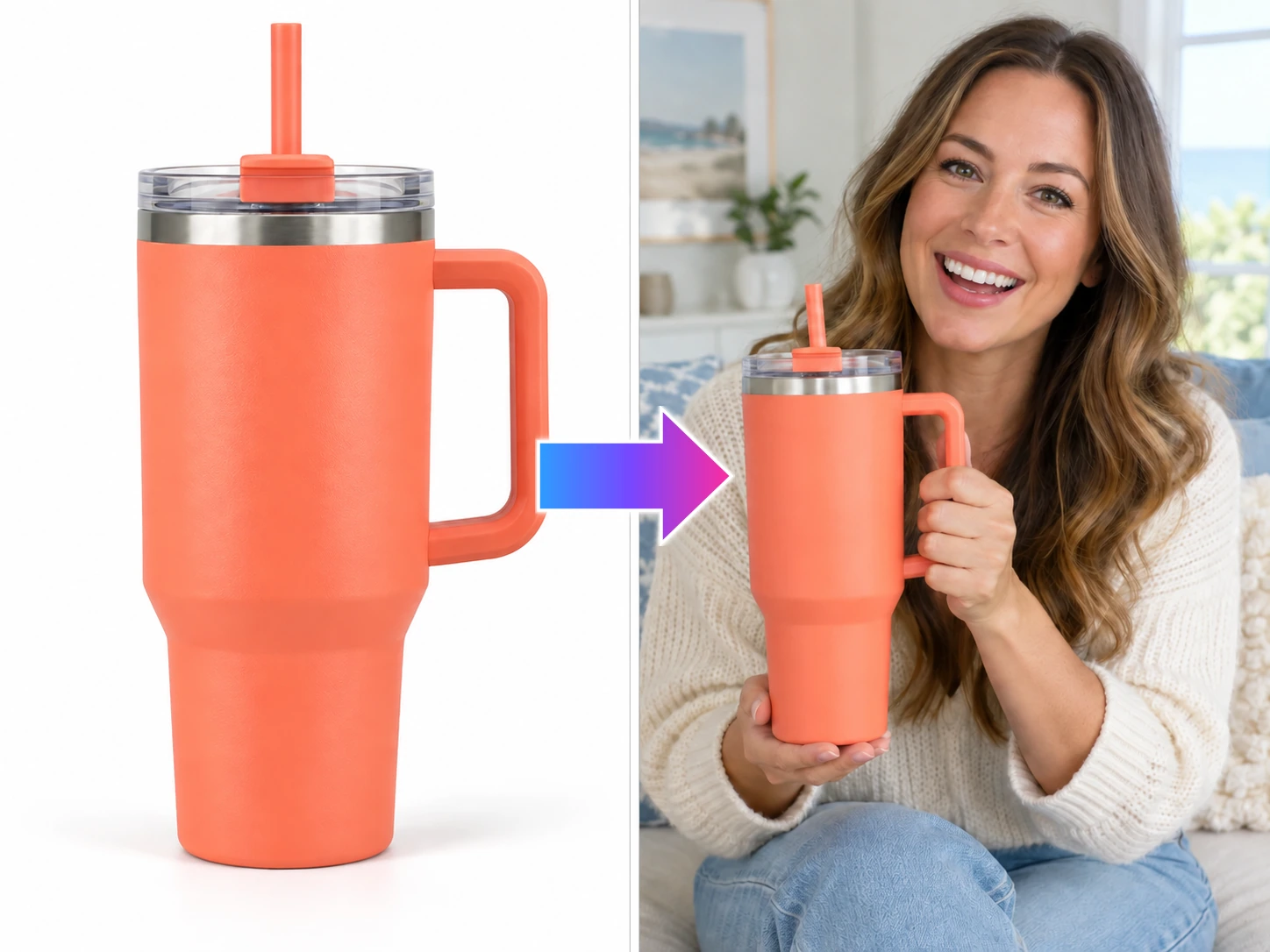
Upload a product photo and turn the product facts and key benefit into a presenter-led video.
See the product move and get explained
Give the product a clear voice: explain what it is, who it is for, or how it is used in a short, useful story.
Set the story before the motion: decide what viewers should notice, then create the next version for a launch, ad, or social post.
Upload the clearest product image or reference clip you have.
Choose what viewers should notice and the content direction to test.
Generate a product-led opening for a launch, campaign, or social feed.
Create a useful opening for the feed: product motion, a clear explanation, a try-on, or a recommendation with a human point of view.
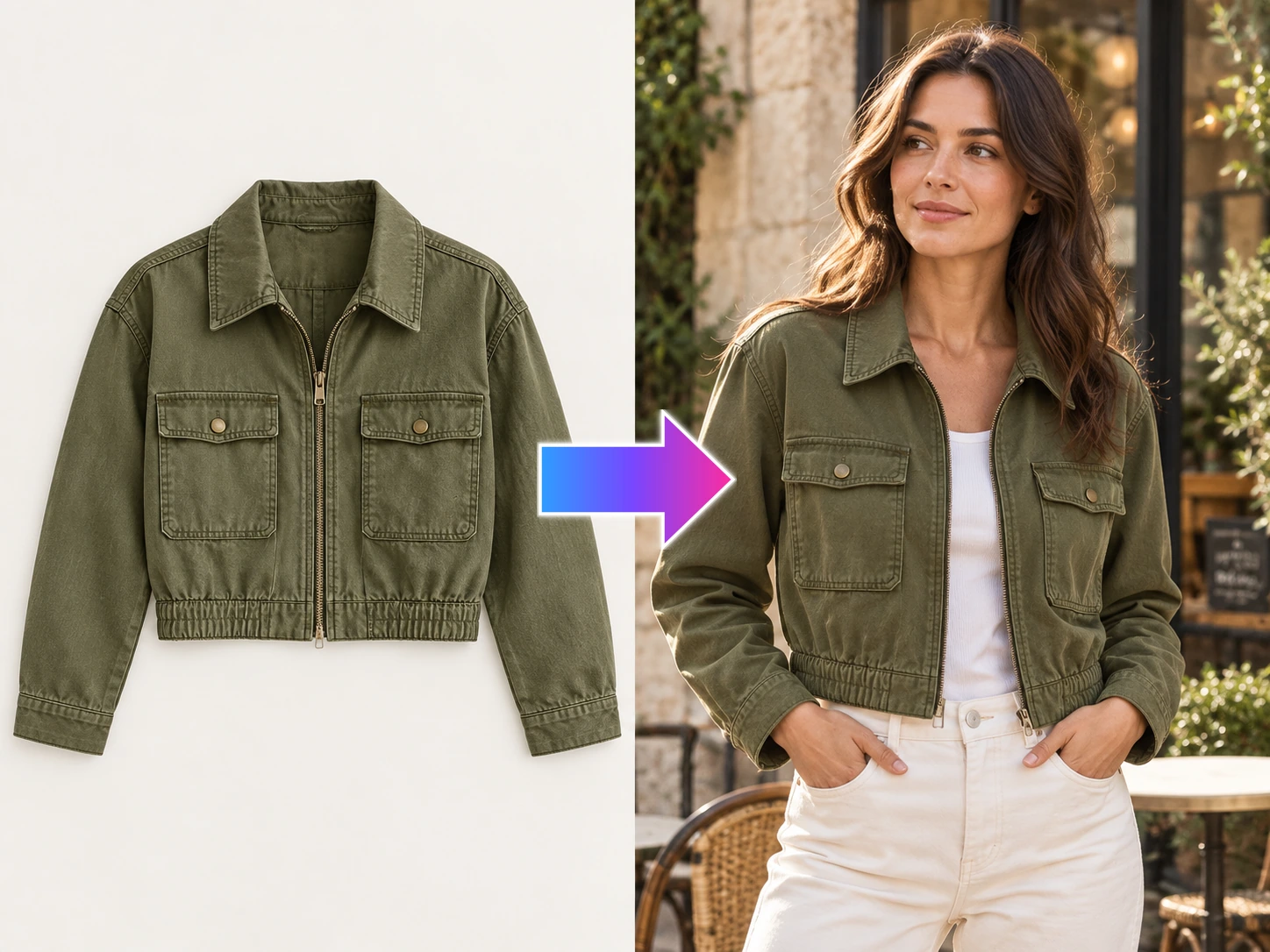
Turn garment photos into model try-on content that shows fit, texture, layering, and styling before the shoot is ready.
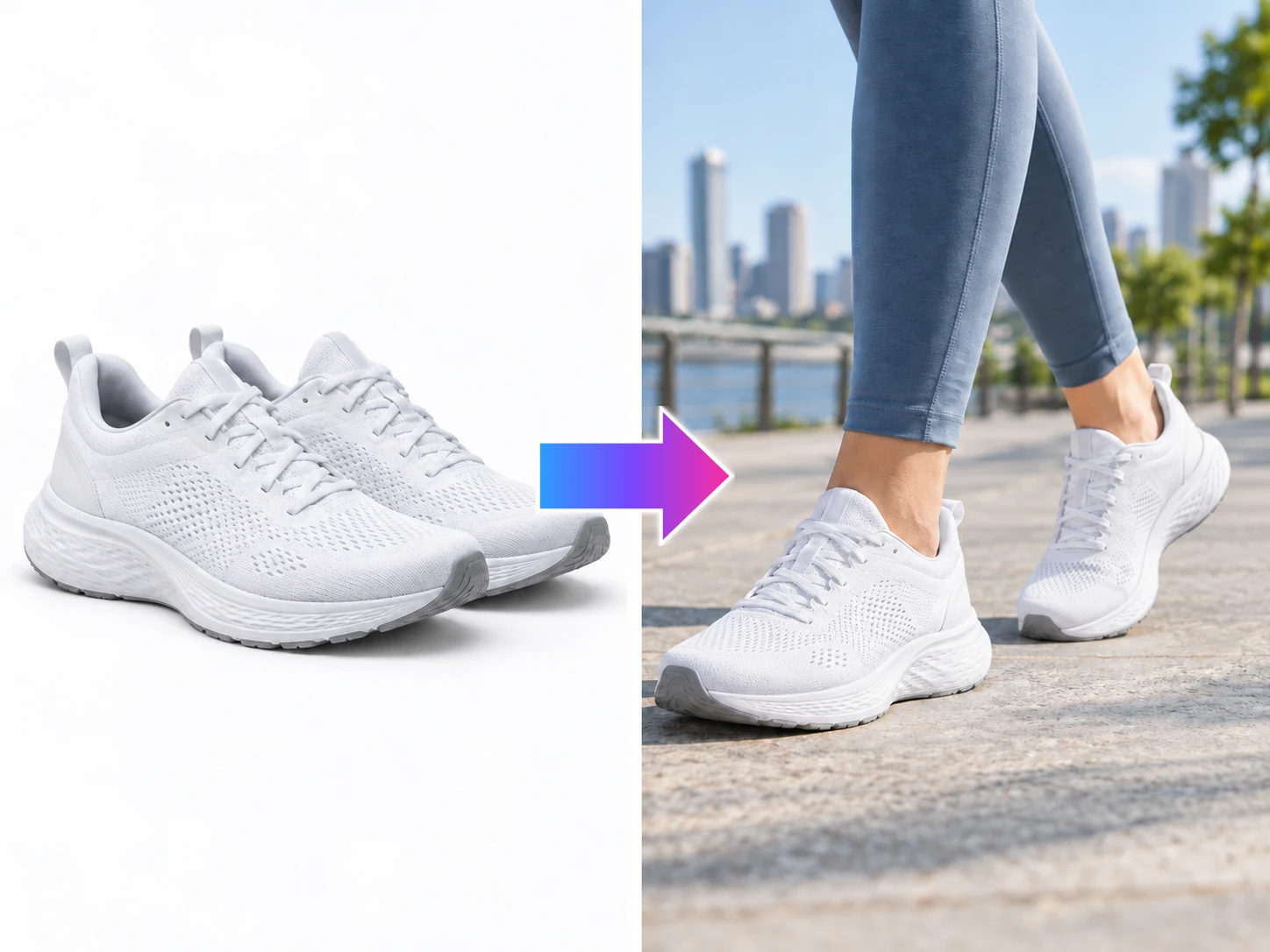
Turn shoe product images into a try-on video that shows the silhouette, sole, and wearing perspective in motion.
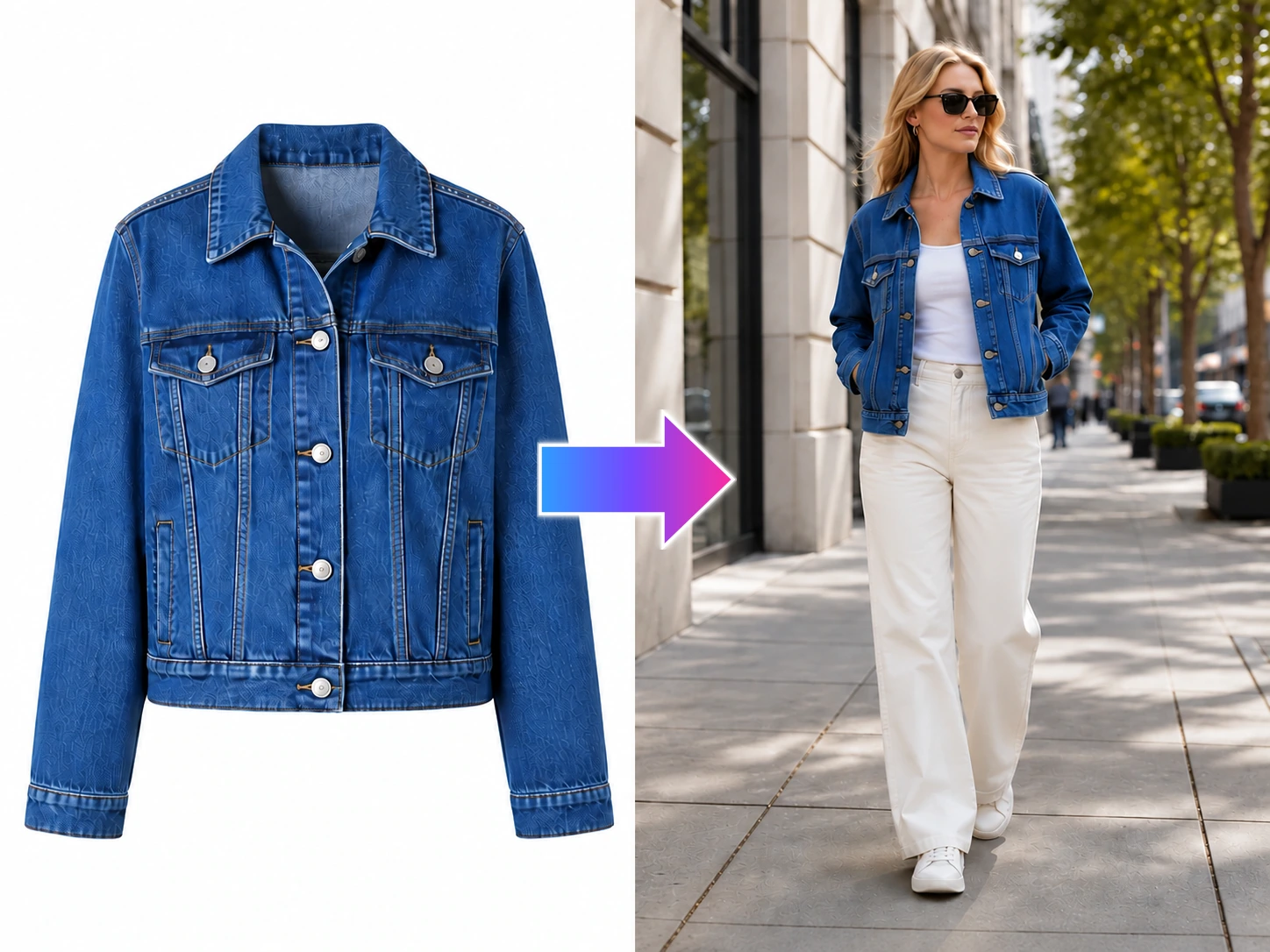
Turn clothing images into a street-style try-on video that gives the outfit movement in the feed.
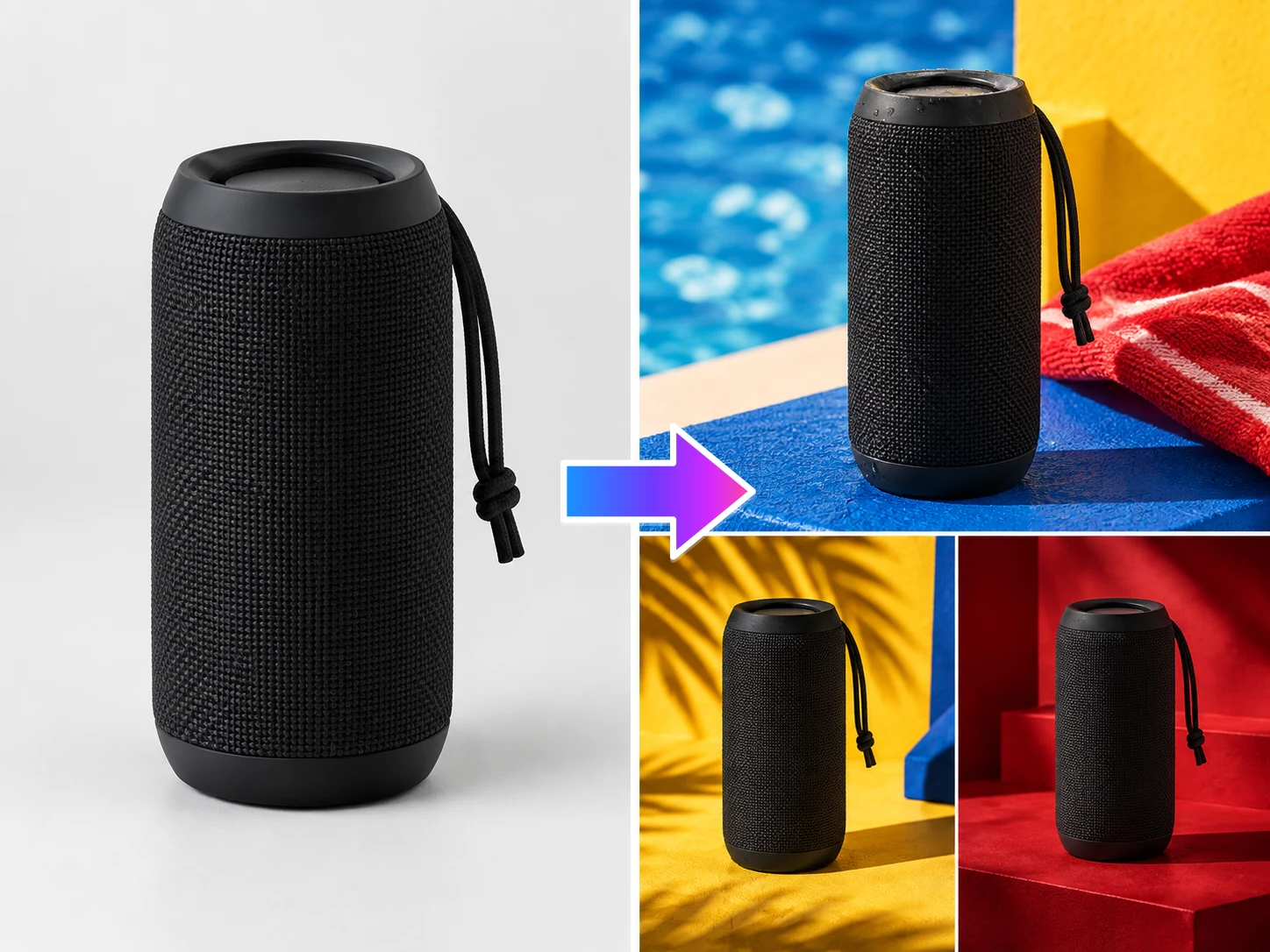
Use an authorized reference video’s rhythm and camera movement to test a new product story for your channel.
Create a presenter-led draft around the product facts, use case, and selling point your audience needs to hear.