
01
Upload the product or garment
Use a clear source that gives the model content a reliable product anchor.
Turn 1 product photo into a hand-held scene that makes scale, grip, and everyday use easier to understand.
Model, try-on, and styling content
Upload a product and a person, then create a hand-held image that makes scale and use easy to understand.
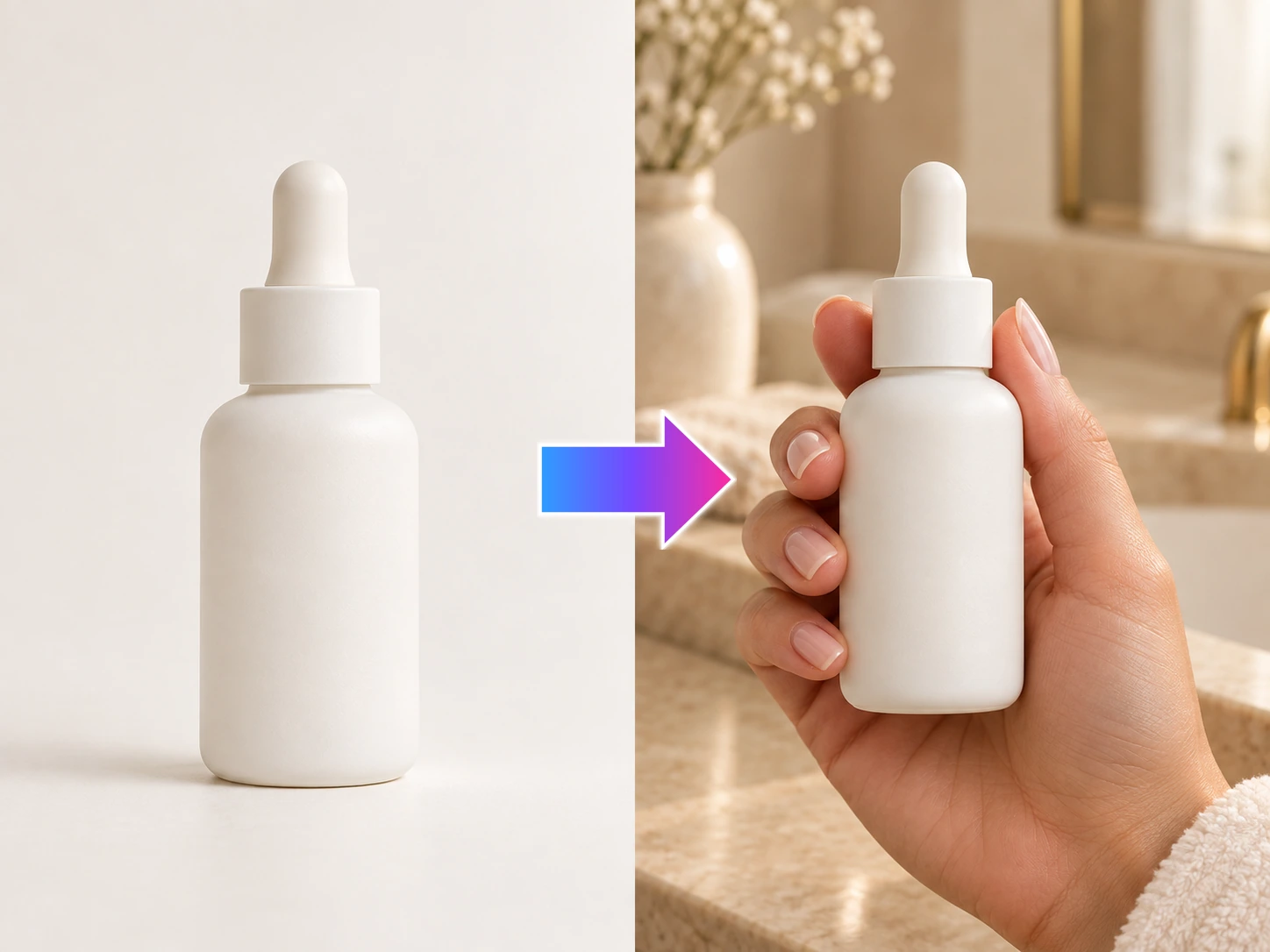
Upload a product and a person, then create a hand-held image that makes scale and use easy to understand.
See the product in use
Use the hand as a clear size cue, then carry the product-in-use scene into listing, poster, or social content.
Upload a product or garment, choose the person, pose, and scene, then create images for the product page, ads, or social posts.
Use a clear source that gives the model content a reliable product anchor.
Set the person, pose, audience, and context you want to show.
Generate the scene your product page, launch, or campaign needs.
Show fit, scale, styling, and everyday use so shoppers can picture the product before they buy.
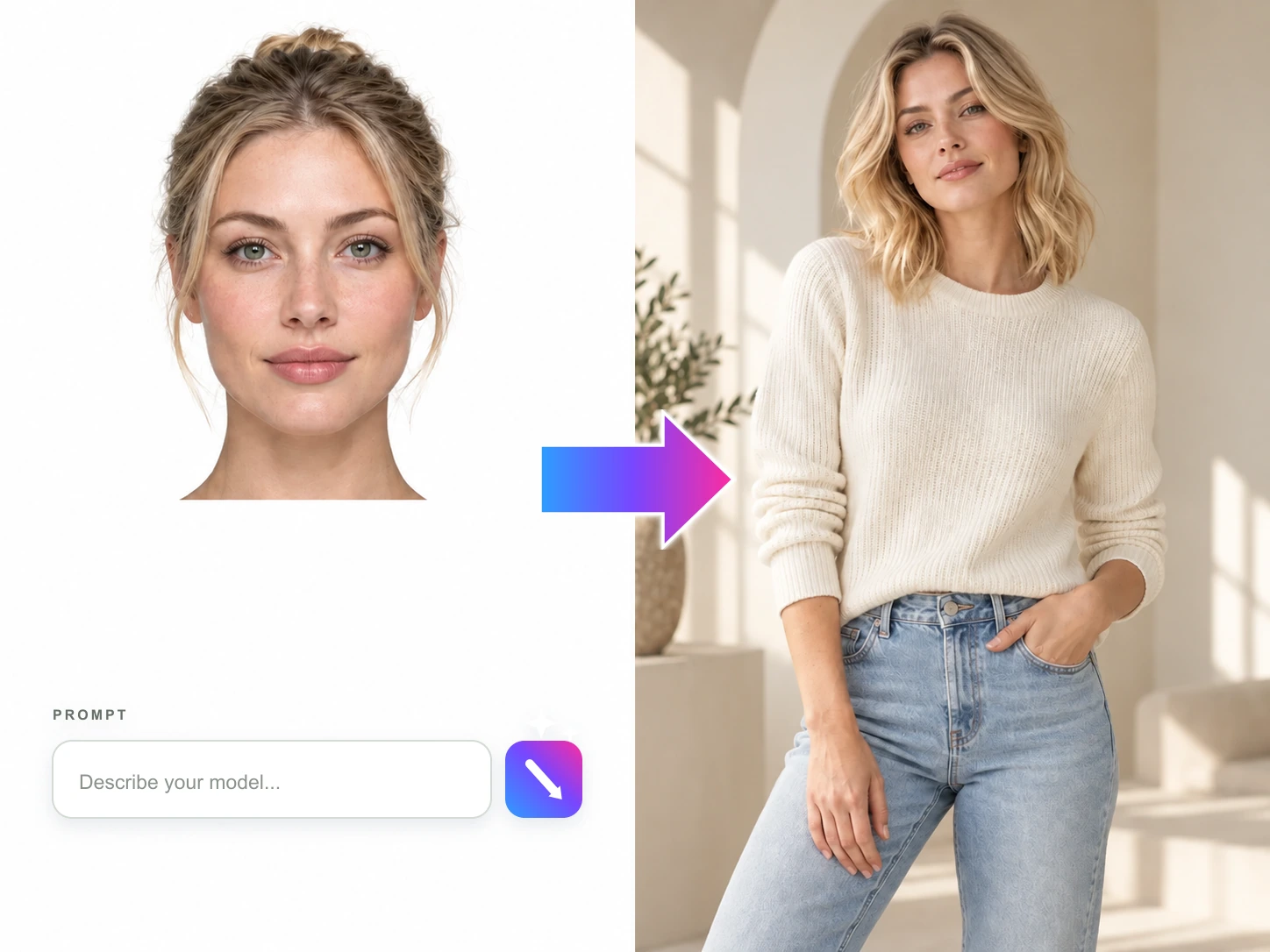
Turn a product photo into model-led content for the audience, styling, and selling context you want to reach.
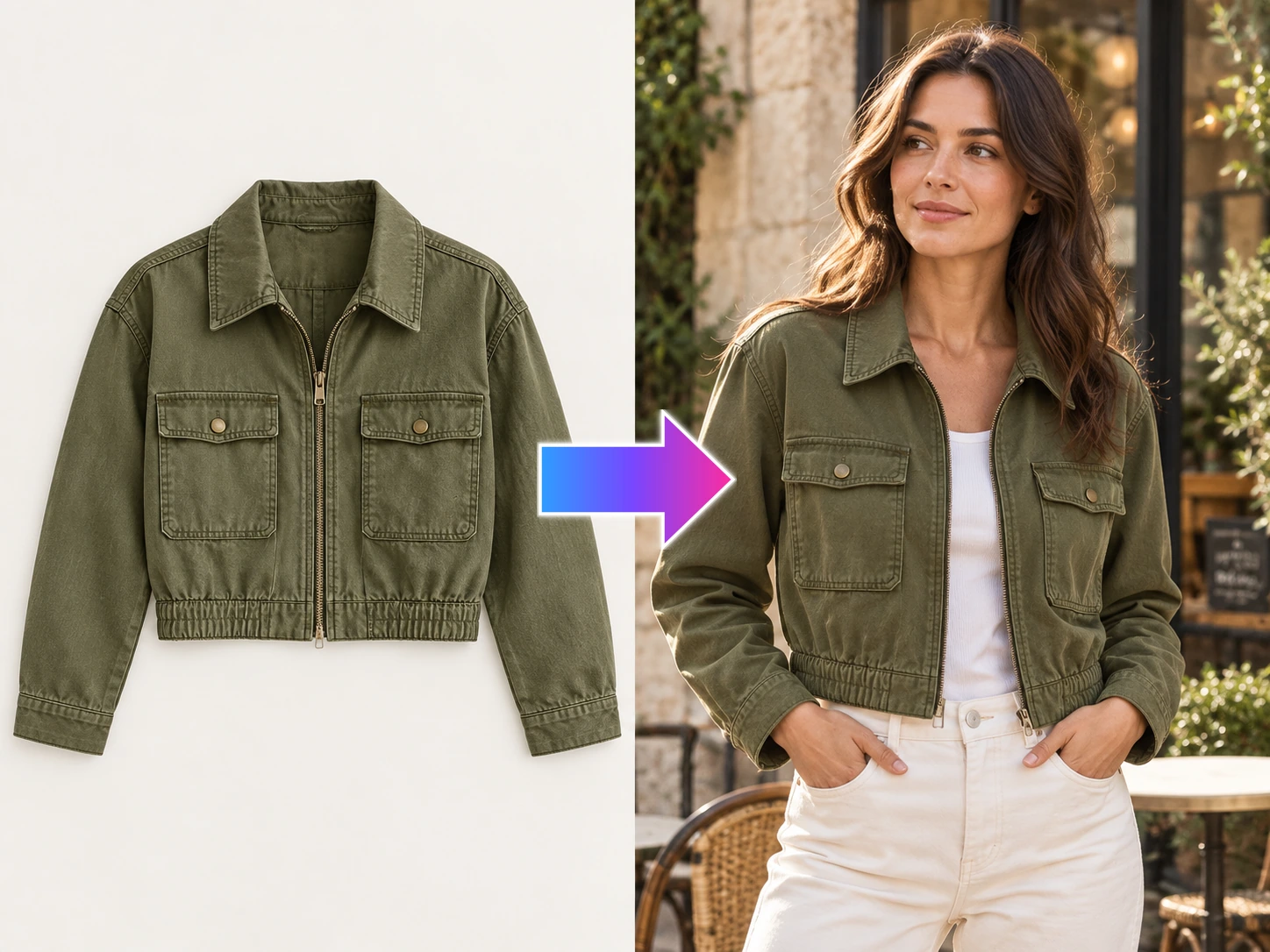
Turn garment photos into model try-on content that shows fit, texture, layering, and styling before the shoot is ready.
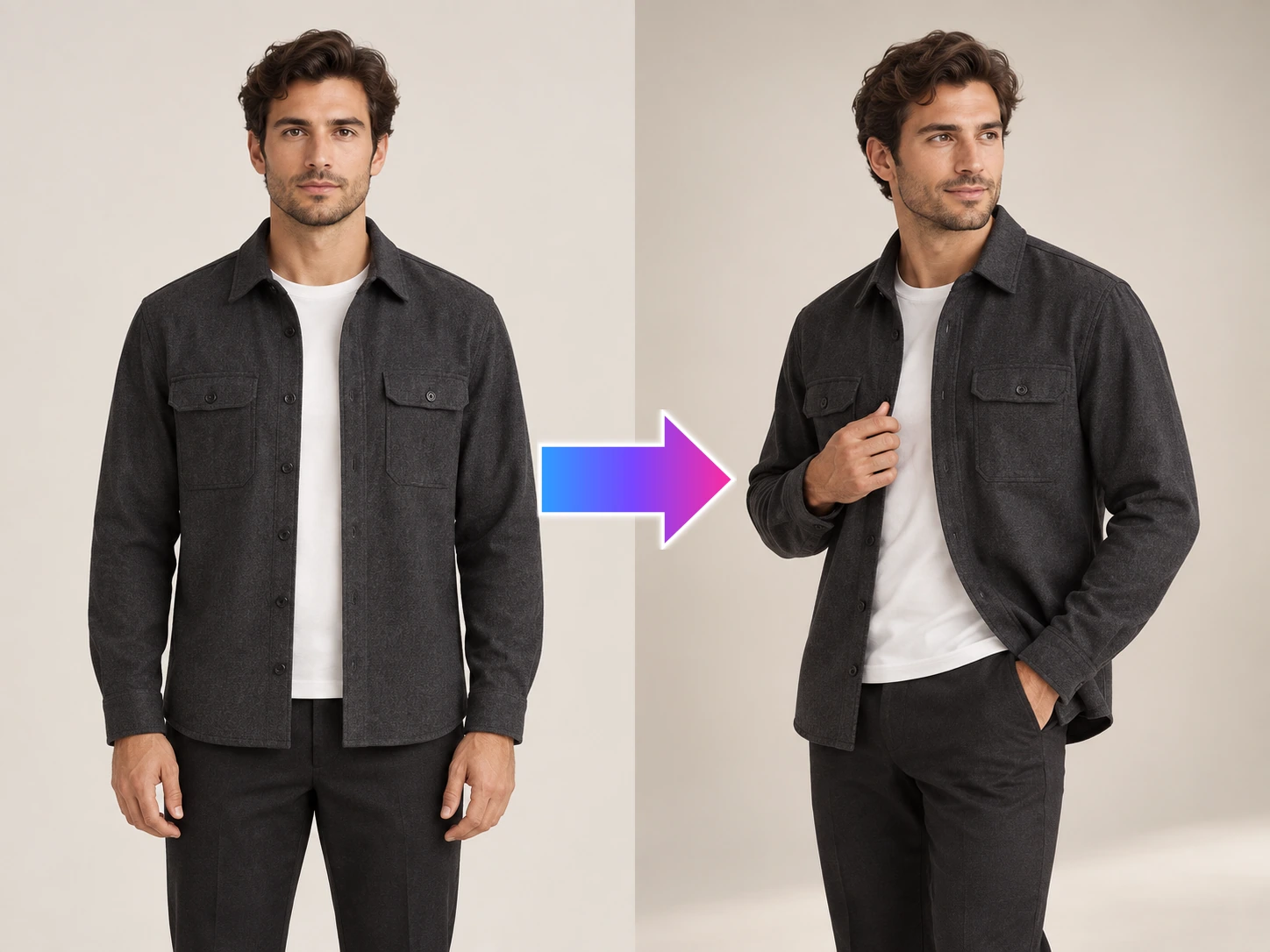
Create more viewpoints and poses for the same model and outfit so shoppers can see a fuller product story.
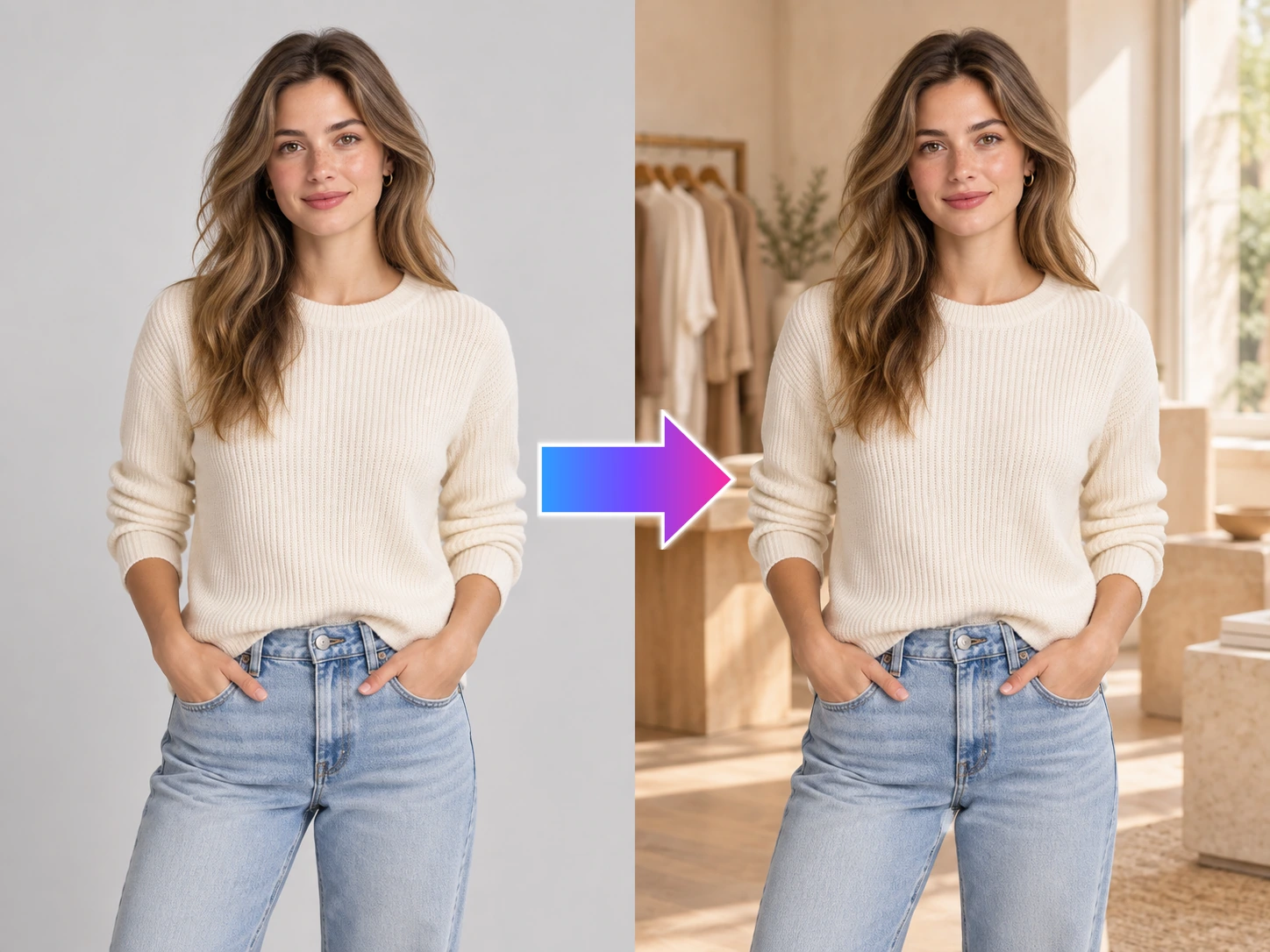
Keep the person and outfit, then change the setting to create more campaign and channel content from one model photo.
Put the product in a natural hand-held moment so its size, grip, and use are easier to picture.