
01
Add product media
Upload the clearest product image or reference clip you have.
Use an authorized reference video’s rhythm and camera movement to test a new product story for your channel.
Social and product-selling video
Upload a product and an authorized reference video, then test a new product video with a similar rhythm and movement.
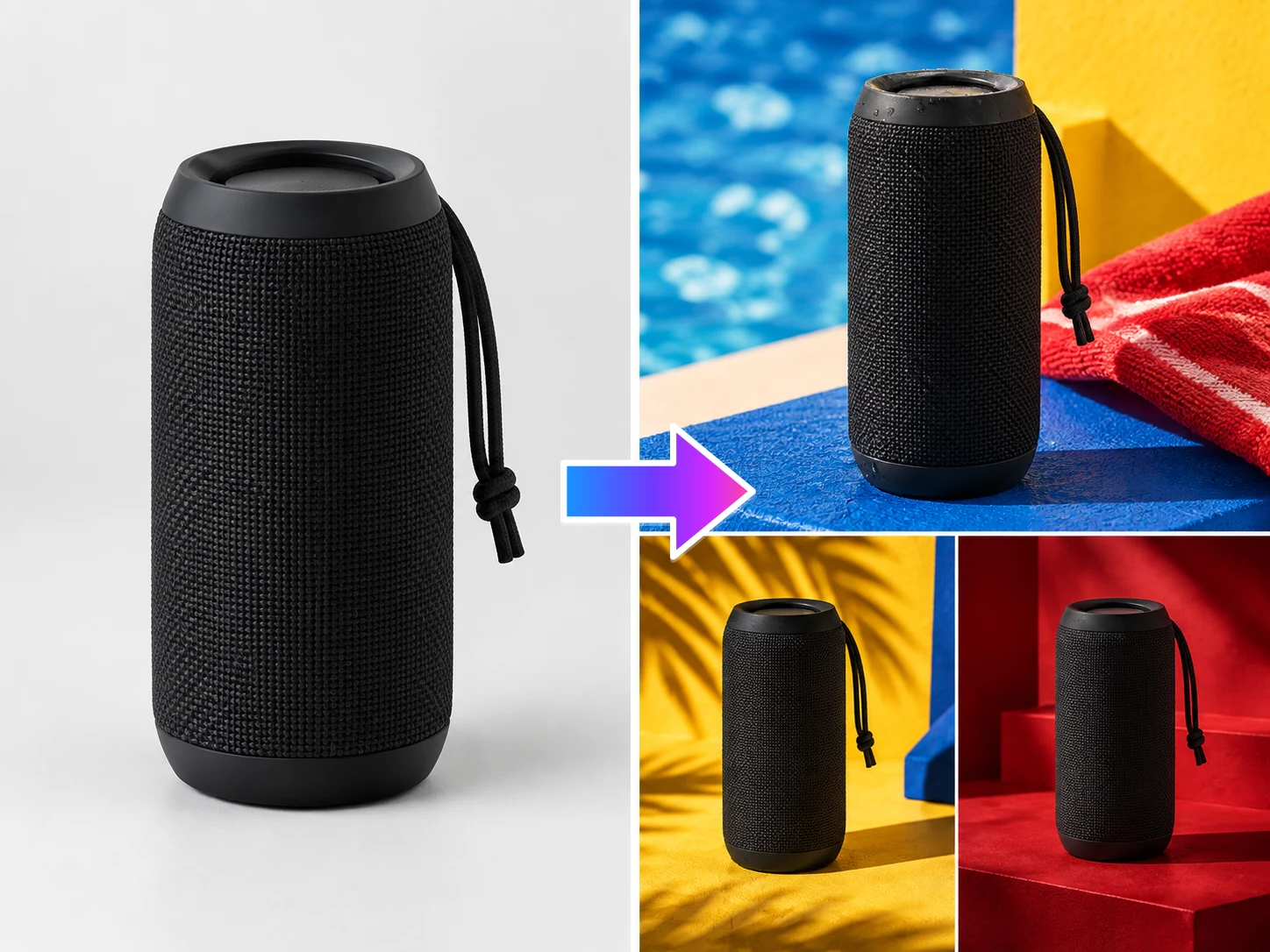
Upload a product and an authorized reference video, then test a new product video with a similar rhythm and movement.
See the product move and get explained
Borrow the rhythm, then replace the product, selling point, and brand expression to test your own short-form direction.
Set the story before the motion: decide what viewers should notice, then create the next version for a launch, ad, or social post.
Upload the clearest product image or reference clip you have.
Choose what viewers should notice and the content direction to test.
Generate a product-led opening for a launch, campaign, or social feed.
Create a useful opening for the feed: product motion, a clear explanation, a try-on, or a recommendation with a human point of view.
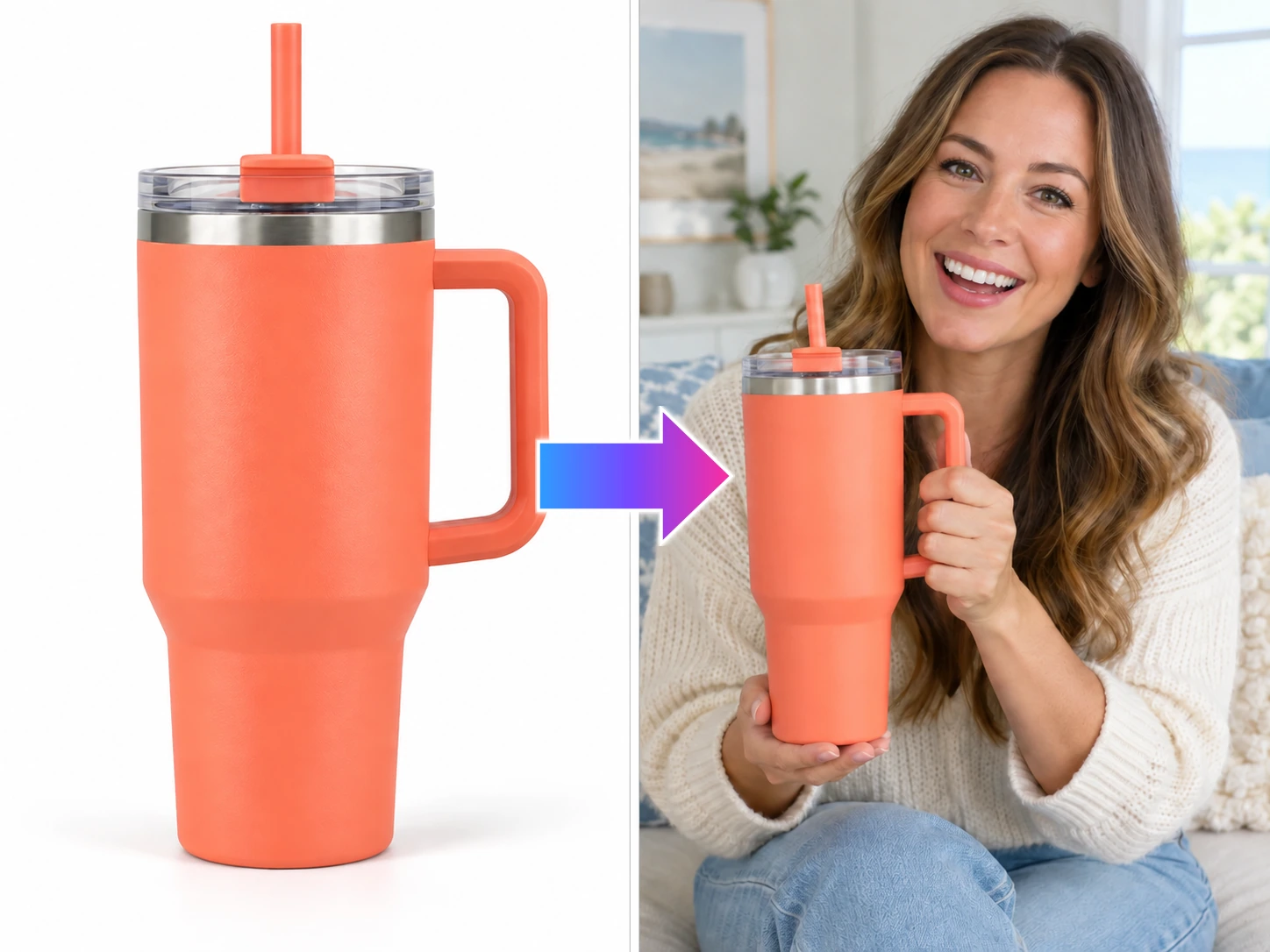
Turn product images into a presenter-led short video that explains the product, use case, and key selling point.
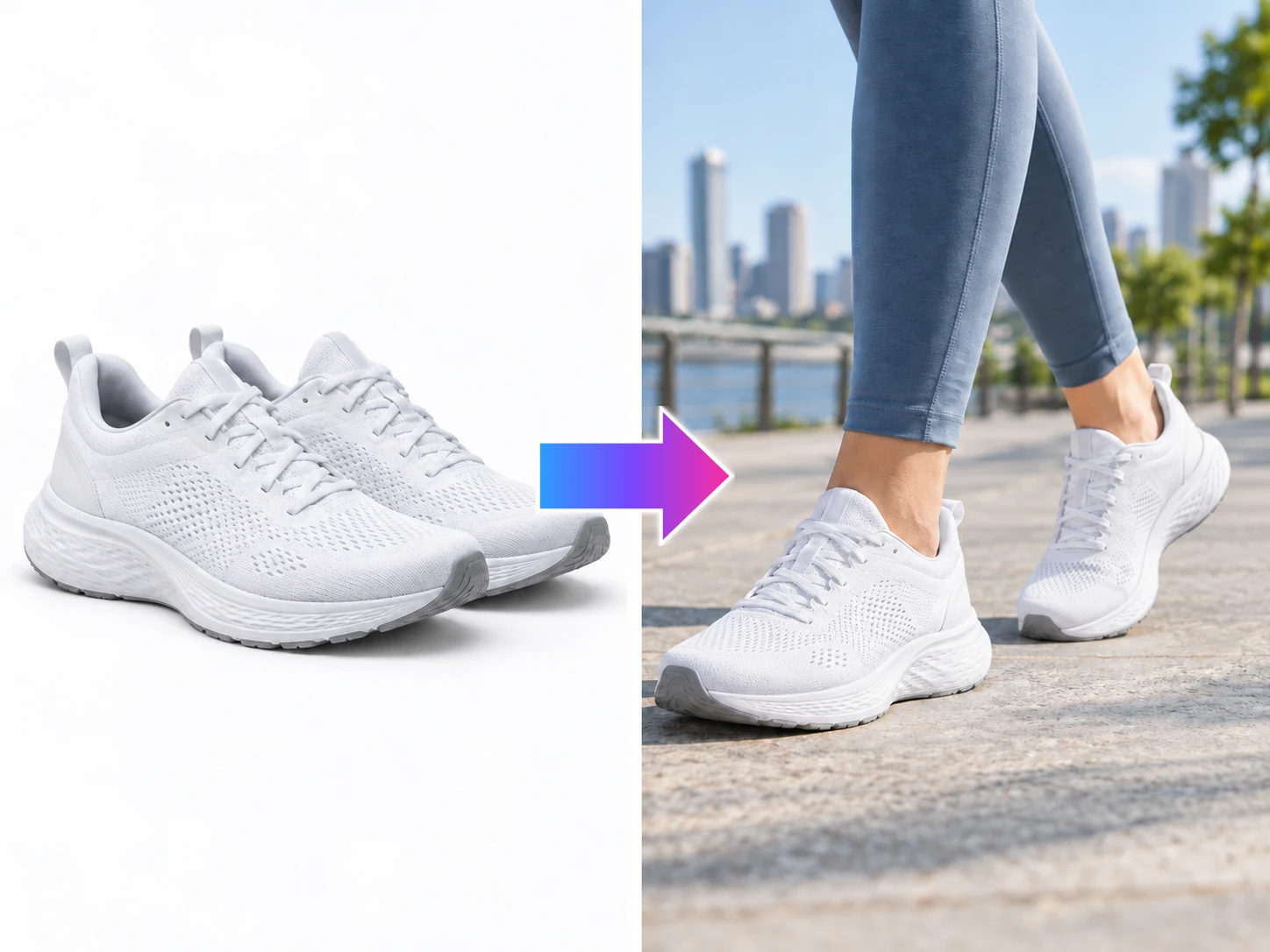
Turn shoe product images into a try-on video that shows the silhouette, sole, and wearing perspective in motion.
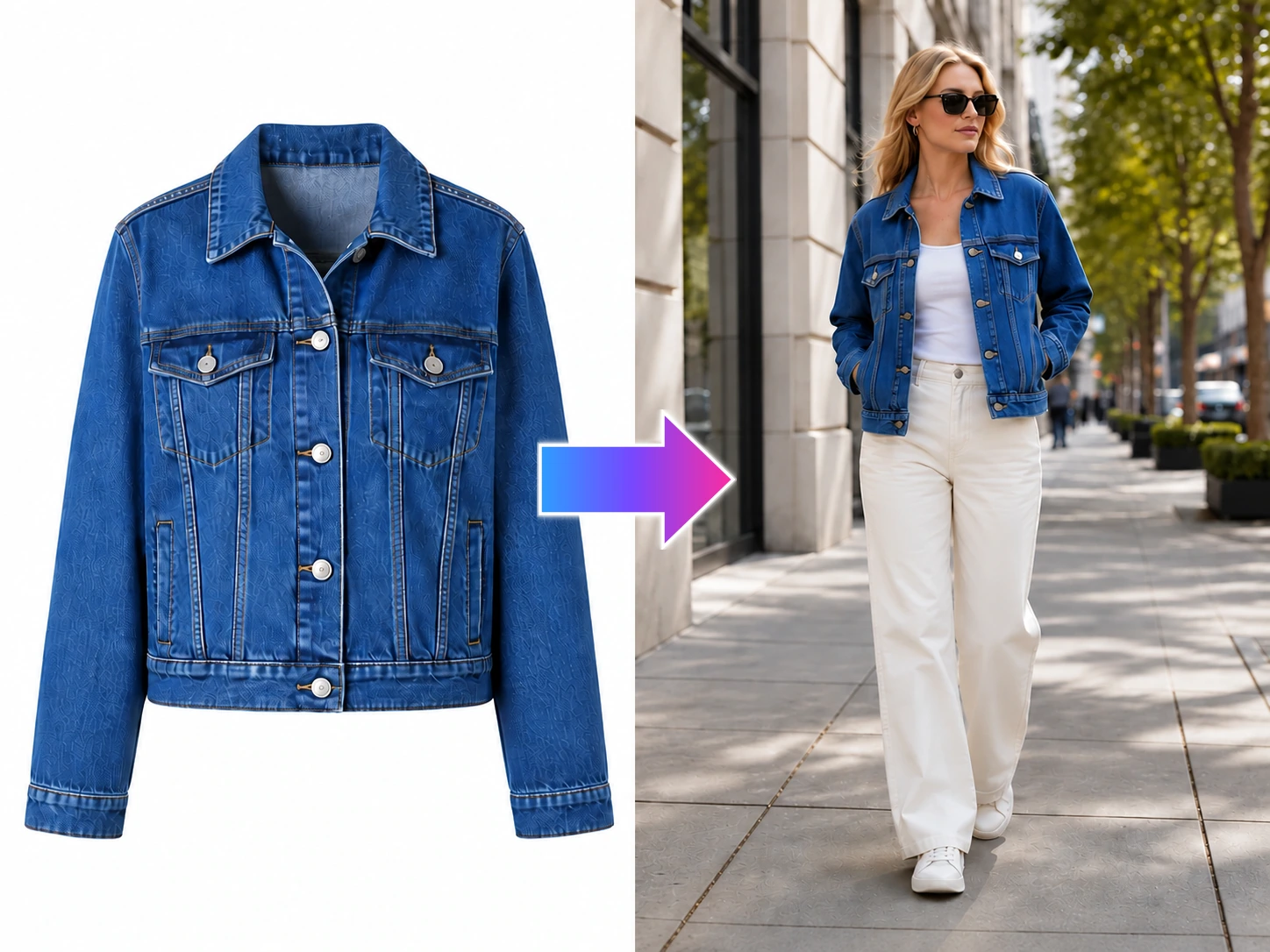
Turn clothing images into a street-style try-on video that gives the outfit movement in the feed.
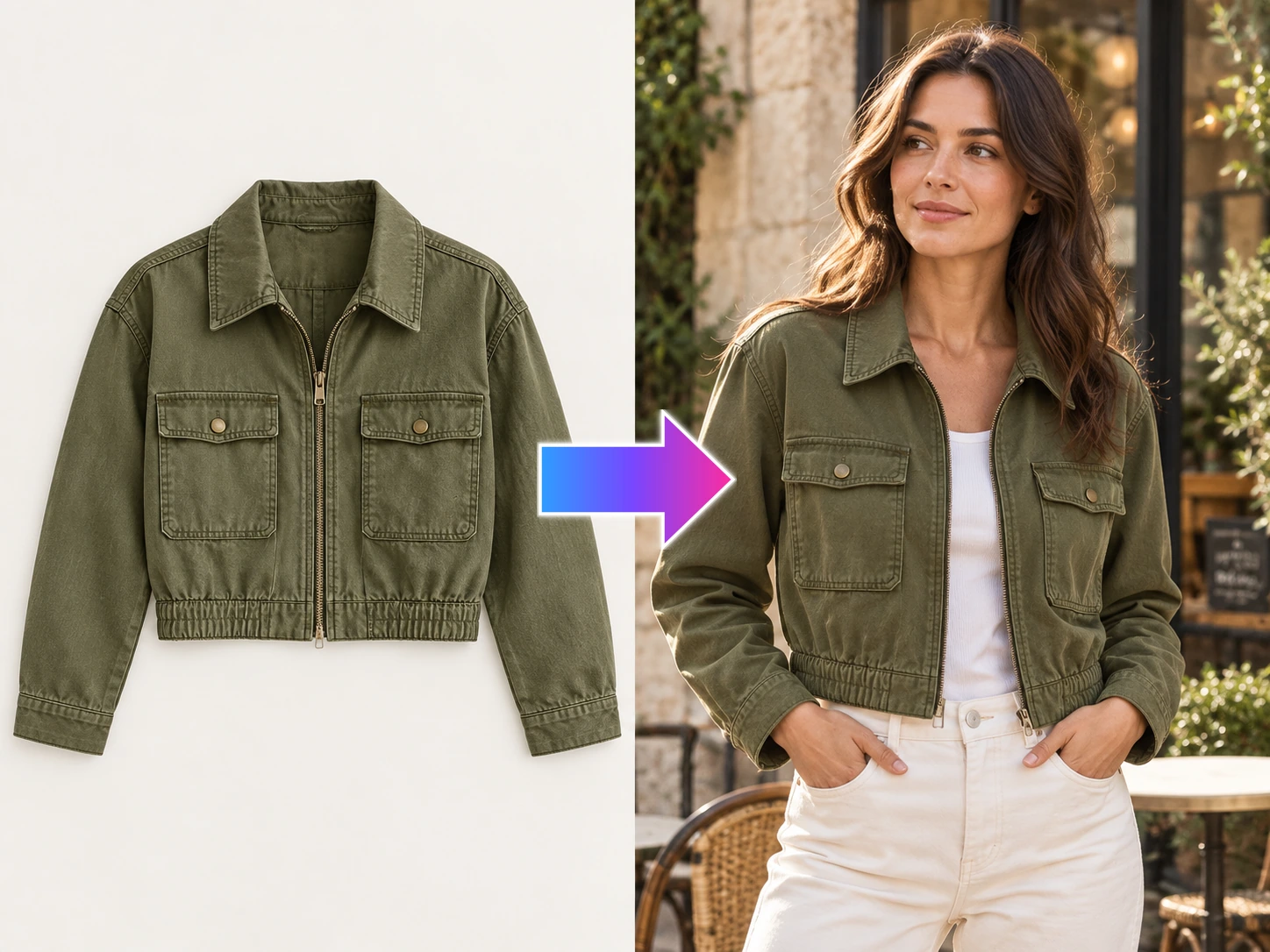
Turn garment photos into model try-on content that shows fit, texture, layering, and styling before the shoot is ready.
Use an authorized reference for pacing and shots, then rebuild the video around your own product, claims, and brand.